
Last Updated on 04/10/2026
- Are you tired of Microsoft constantly invading your privacy by having their AI watch everything you do?
- Are you tired of how bloated Windows has become?
- Are you interested in privacy and having the freedom of choice?
- Are you interested in trying Linux but don’t know where to start?
If you answered yes to most of the questions above then hopefully this can help you get started with Linux.
There are many hardcore Linux users out there that will scream loud on which Linux they think is best. Do not listen to any of those opinions. The best Linux is the one you feel most comfortable with.
I recommend trying out a few different Linux distribution so you can find the one flavor that you like. In the end, the user is you and thus your needs is what matters.
It is impossible to cover all the different Linux variants out there, so this guide will focus on a select few which is more user friendly for a beginner and feels more similar to how Windows and macOS are.
The Linux Family
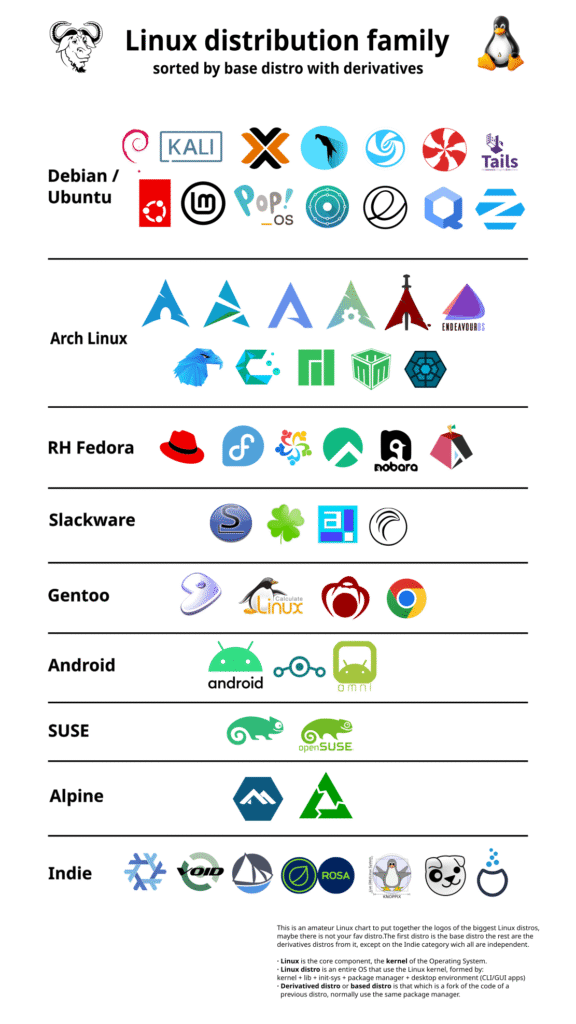
The main families of Linux distributions are Debian (which includes the Ubuntu family), Fedora (which includes the Red Hat family), and Arch. These families serves as the foundation for many other distributions.
Debian-based
Includes Kali Linux, Linux Mint Debian Edition, Parrot OS, MX Linux, Ubuntu, Knoppix and so on.
Ubuntu-based
Ubuntu is a derivative of Debian, meaning it is built upon Debian’s foundation. An Ubuntu-based operating system is a Linux distribution built on top of Ubuntu’s core, inheriting its stability, security, and vast software repositories.
Includes Kubuntu, Lubuntu, Pop!_OS, Zorin OS, Linux Mint, elementary OS, Xubuntu, Ubuntu Budgie, Ubuntu MATE, Ubuntu Cinnamon and so on.
Fedora-based (Red Hat family)
Red Hat Enteprise Linux (RHEL), Fedora, AlmaLinux, Aurora, Rocky, bazzite, Nobara, Project Bluefin and so on.
Arch-based
Arch Linux, Manjaro, CachyOS, Garuda, Omarchy, EndeavourOS, RebornOS
Package Managers
Linux distributions use different package systems. Packaging systems are methods for organizing and distributing software in an archive format that includes the application’s files, dependencies and metadata. They simplify software management by automating the installation, updating, and removal of applications through tools called package managers.
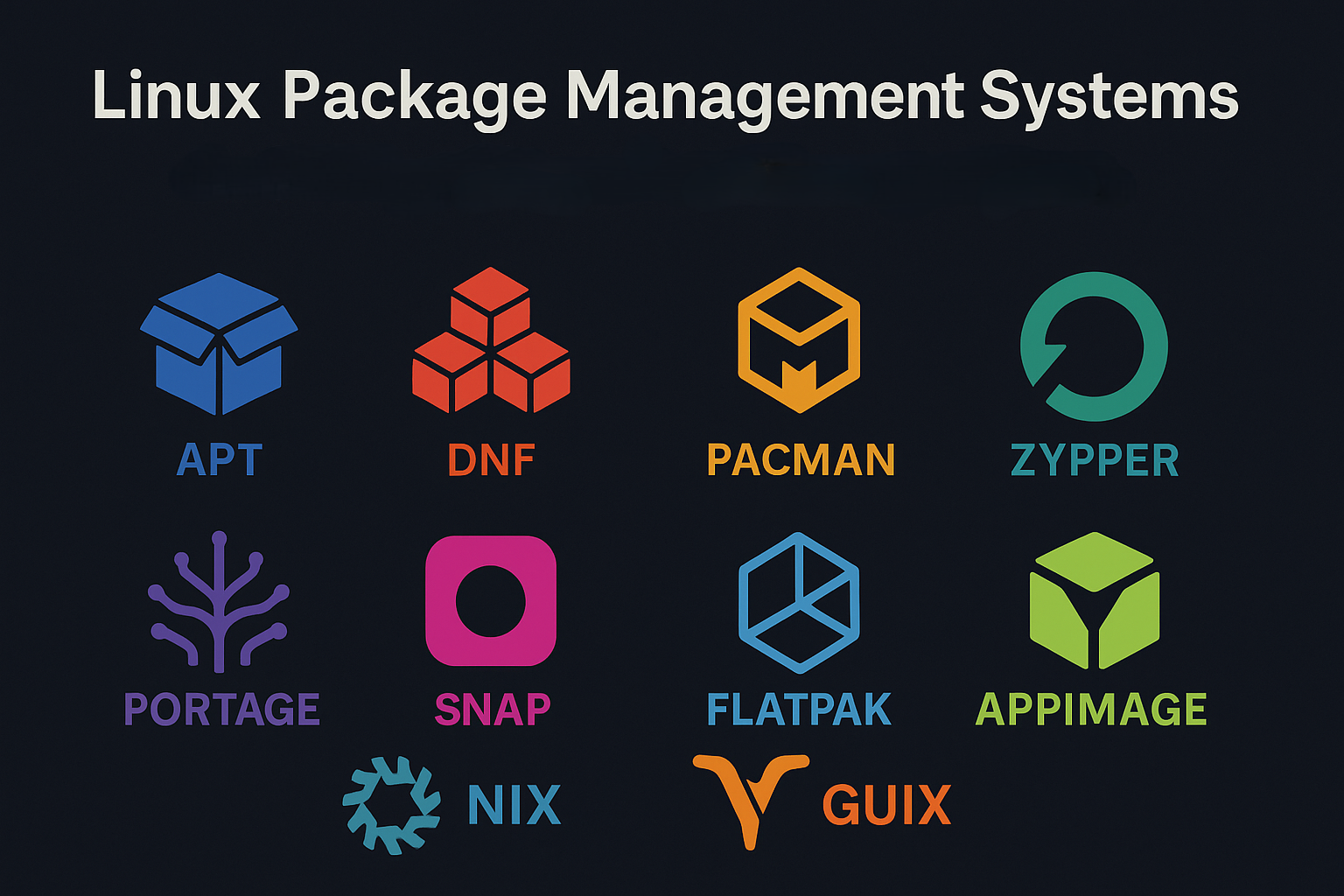
The most common package families are APT (which uses .deb files) for Debian-based systems (like Debian, Ubuntu, Mint, Zorin OS, etc.).
DNF/YUM (which uses .rpm files) for Fedora-based systems (like Fedora, Red Hat, CentOS, Rocky, Aurora, etc.).
Pacman or Paru (which uses .pkg.tar.zst/.gz/.xz files, though you will allmost never see these) for Arch Linux-based systems (like Arch, CachyOS, EndeavourOS, Garuda, Manjaro, Omarchy etc.).
rum for RakuOS, eopkg for Solus and moss for AerynOS (Solus and AerynOS are new independent branches in the Linux family).
And then you have the newer more universal package systems that works on all of the different Linux-based systems mentioned above, like Snap, Flatpak and AppImage.
Linux File System
To a Windows user, the Linux file system can be understood as a unified, hierarchical system without drive letters, where everything is a file, including hardware devices.
The Linux root user is the direct equivalent of the Windows Administrator account: both are the “superuser” accounts with the highest level of system privileges.
The Linux command sudo (short for substitute user do, or less commonly, superuser do) is the equivalent of a Windows “Run as Administrator” prompt or a User Account Control (UAC) notification.
Key Differences from a Windows Perspective
Windows
- Organization: Multiple separate “roots” (drive letters like
C:\,D:\) - Path Separator: Uses backslashes (
\) - Case Sensitivity: Generally case-insensitive (
File.txtis the same asfile.txt) - Devices/Partitions: Exposed as drive letters (C:, D:, E: and so on)
- File Types: Differentiates clearly between files, folders, and devices
Linux
- Organization: A single, unified hierarchy starting with the root directory (
/) - Path Separator: Uses forward slashes (
/) - Case Sensitivity: Case-sensitive (
File.txtis different fromfile.txt) - Devices/Partitions: “Mounted” (attached) to a directory within the main
/tree, often under/mediaor/mnt - File Types: Everything is a file (directories are just special files that contain names of other files, and devices are represented by files in
/dev)
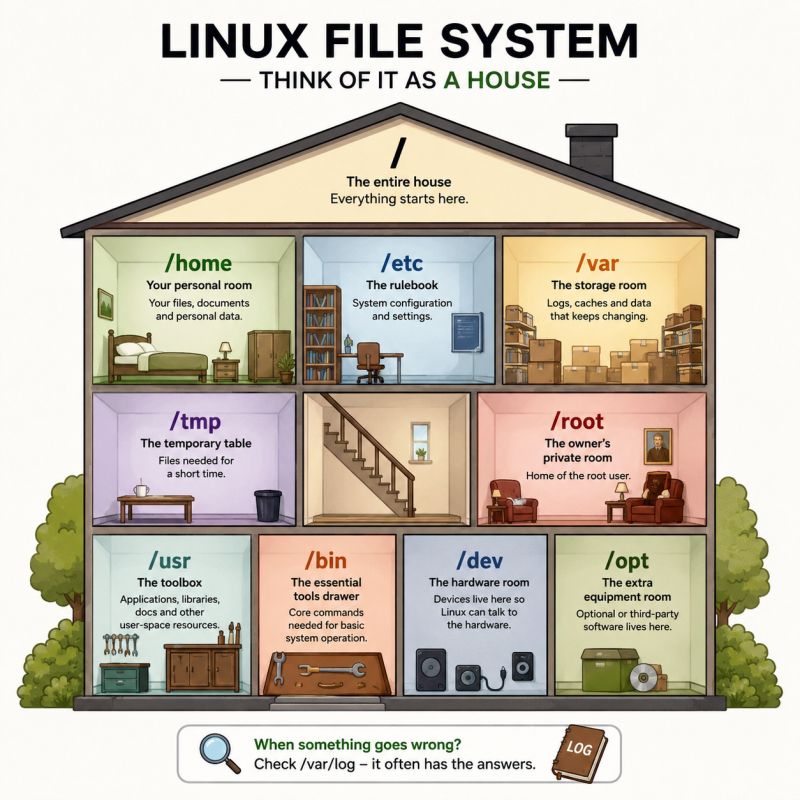
Imagine the “C:” drive in Windows, but instead of having other drives next to it, the other drives (and network shares, USB sticks, etc.) are just folders inside C:\. This top-level directory is called the root directory, denoted simply by a forward slash (/).
Instead of having applications, user data, and system files all primarily on the C: drive, Linux organizes files by their purpose into specific, standardized directories.
/ — Root of the entire file system/bin and /usr/bin — These directories contain essential command-line tools and executable programs, similar to files in C:\Windows\System32 or application executables found in C:\Program Files./etc — This directory holds system-wide configuration files. This is roughly where you’d find configuration settings that might be scattered in various places like the Windows Registry or .ini files in C:\Windows./home — This is where user directories are stored, similar to C:\Users in Windows. Your personal files, documents, and desktop are typically here (e.g., /home/username)./root — Root user’s home directory./dev — This is a virtual directory where hardware devices (like hard drives, USB ports, etc.) are represented as files. You don’t interact with hardware directly with a drive letter; you interact with a file (e.g., /dev/sda1)./proc — Contains virtual files that provide information about running processes and the system’s status, not physical files on a disk./mnt and /media — These are common places where you temporarily access other drives or external media like USB sticks or network shares./opt — Optional, designated for the installation of optional or add-on application software packages.
Understanding the unified hierarchical structure and the purpose of these standard directories will make navigating a Linux system much more intuitive for a Windows use.
Desktop Environments
If you have already looked around a little you will probably have seen some of these names: (GNOME, KDE, MATE, Xfce, Cinnamon, etc.). These are different desktop environments. Just like the Windows desktop or the macOS desktop. With Linux you have many different flavors of desktop environments. Going from fancy looking which is more resource heavy (aimed towards modern computers) to lightweight desktops built for speed and snappiness (often aimed at computers with older hardware but also works on modern computers).
A Linux desktop environment (often shortened DE) is a collection of software that provides a graphical user interface (GUI), including icons, toolbars, and windows, to allow users to interact with the operating system visually. It bundles components like a window manager, file manager, and system settings to create a complete and user-friendly desktop experience.
Popular examples include GNOME, KDE Plasma, Pantheon, Cinnamon and COSMIC.
If your computer is old you should choose a lightweight desktop environment like Xfce, Trinity, LXQt or LXDE.
If you are coming from many years on Windows and are just starting out with Linux, the most familiar desktop environments that are recommended are KDE Plasma and Cinnamon.
If you are coming from macOS the recommended desktop environments are GNOME and COSMIC.
Release Philosophies
Stable releases, often referred to as LTS (Long-Term Support), focus on reliability over new features. The distribution is maintained for a long period (usually several years) with only security patches, critical bug fixes, and occasional minor improvements. The underlying package set stays largely unchanged.Incremental package updates – individual packages are upgraded in place (for example via apt, dnf). The system never replaces the whole root filesystem; only selected components change.
Immutable systems means the base operating system is shipped as a read‑only image. System files cannot be altered directly; updates replace the whole image atomically. Atomic image swaps – a new complete OS image is downloaded and swapped in one step. If the swap fails you can roll back to the previous image instantly.
Stable (LTS)
The default of Linux distributions is to be stable, also known as mutable or traditional. This is the standard, traditional Linux operating system where the root file system is designed to be writable and can be modified by the user and applications.
- What it is: A release that prioritizes reliability and dependability over having the newest features.
- Key characteristics: Software versions are locked in and change infrequently, receiving only bug fixes and security patches. This predictability makes them suitable for long-term use where consistency is key.
- Best for: Servers, businesses, or users who need a system that they can set up and largely forget about.
Immutable
An immutable Linux is a system where the core operating system is read-only, making it highly stable and resistant to breakage from software issues. Updates are applied by creating a new system image, and users can roll back to a previous version if an update fails. Applications are often installed via containers or package formats like Flatpak and Snap, while user data and configuration remain in a separate, writable area.
- What it is: A system where the core components are read-only, and changes are made through atomic updates that replace the entire system state rather than modifying it in place.
- Key characteristics: Highly resistant to breaking, more secure, and offers enhanced stability because accidental changes are prevented. All immutable Linux distributions are atomic.
- Best for: Users who want a very predictable, reliable, and low-maintenance system, such as embedded systems, kiosks, or those who don’t want to worry about system configurations.
Atomic
Atomic distributions basically ensure that no upgrade will result in system failure, a broken desktop, or unusable applications. That is important because people depend heavily on a dependable operating system.
- What it is: Atomicity is the indivisibility of operations. An update is either successful or didn’t occur. You don’t get a half-finished update.
- Key characteristics: Highly resistant to breaking, more secure, and offers enhanced stability because accidental changes are prevented. Not all atomic distributions are immutable since they can have an openly writeable rootfs.
- Best for: Users who want a very predictable, reliable, and low-maintenance system, such as embedded systems, kiosks, or those who don’t want to worry about system configurations.
Cutting edge
“Cutting edge” Linux refers to distributions that prioritize having the very latest software versions which is newer than stable, but usually tested enough for everyday use by enthusiasts. The target audience for this is enthusiasts who want the newest features without sacrificing too much reliability.
- What it is: Implies the latest, most advanced technology that is still usable for many users. It’s newer than “stable” releases but generally more polished than bleeding‑edge.
- Key characteristics: The newest features that has passed a modest amount of quality‑control, making it usable for most power users.
- Best for: Enthusiasts who want the latest features and improvements while still expecting a usable system.
Bleeding edge
“Bleeding edge” Linux refers to distributions that prioritise having the very latest software versions, even at the risk of instability. These are ideal for users who want immediate access to new features and hardware support and are willing to troubleshoot bugs.
- What it is: The absolute latest software, which may be experimental and not fully tested.
- Key characteristics: Contains the newest features and fixes, but with a higher risk of bugs and instability.
- Best for: Developers or enthusiasts who need the latest features and are willing to tolerate potential issues and the extra troubleshooting that comes with it.
Key tools and software
- Wine: Wine (which stands for “Wine Is Not an Emulator”) is a tool that lets you run Windows programs directly on Linux, without needing to install Windows. Think of Wine as a translator. When a Windows program tries to talk to the Windows system (like saving a file or displaying graphics), Linux doesn’t speak that language. Wine catches these requests and translates them instantly into Linux commands. The program thinks it’s running on Windows, but it’s actually running on Linux.
- Proton: Proton is a fork of Wine developed by Valve and CodeWeavers. It’s a compatibility layer integrated into Steam and Linux that allows many Windows games and programs to run on Linux. It’s the foundation for making a large portion of the PC game library available. More than 90% of Windows games works on Linux thanks to the incredible job done with Proton by Valve and CodeWeavers.
- Bottles: Bottles is a modern, user-friendly application manager for Linux that makes running Windows software simple and organized. Think of it as a “container organizer” for Wine. If you need to run Windows applications on Linux but don’t want to deal with complex configurations, Bottles is the gold standard. It brings order to the chaos of Wine, giving you a clean, safe, and easy way to run your favorite Windows software.
- Faugus Launcher: A simple and lightweight app for running Windows games and apps using the UMU-Launcher. Faugus Launcher integrates with Battle.net (the simplest way to install this launcher on Linux), EA App, Epic Games, Ubisoft Connect and
 Rockstar Launcher.
 - Lutris: A game manager that simplifies installing and running games from various sources, including native Linux games, Windows games, and emulators. Lutris integrates with most game launchers such as Battle.net, EA App and Ubisoft Connect.
- Heroic Games Launcher: An open-source alternative launcher for games from the Epic Games, GOG, and Amazon Prime Games, making it easier to access non-Steam games on Linux. You can now also access the store pages of each launcher directly through the app.
- Itch.io: Itch.io is a digital storefront for indie video games, but it also hosts other digital creative works like comics, zines, and music.
- ProtonDB: A website where users share compatibility reports and performance information for Steam games on Linux, as well as necessary tweaks (if any) to get the game running.
- WinBoat: WinBoat provides a sleek and intuitive interface that seamlessly integrates Windows into your Linux desktop environment, making it feel like a native experience. If it runs on Windows, it can run on WinBoat. Enjoy the full range of Windows applications, from productivity tools to entertainment, all within your Linux environment as native OS-level Windows.
Programs
Think about how you use your computer on a daily basis. Some use it to browse the web, read and send emails and minor gaming. Other’s might use their computer for creativity, like a studio. And then there are gamers who needs the latest drivers for the more heavier demand games. Coders have other needs.
Whoever you are, there is a Linux distributions for everyone.
Here is a list of FREE apps available on Linux (most will also work on Windows):
Video Editing
- Kdenlive (alternative to Adobe Premiere Pro)
- DaVinci Resolve (alternative to Adobe Premiere Pro)
- Shotcut
Video Converter
3D Graphics & Animation
- Blender (alternative to 3ds Max, Adobe After Effects)
Image Editing
- Krita (alternative to Adobe Photoshop, Clip Studio Paint)
- GIMP (alternative to Adobe Photoshop
- Affinity Photo)
- PhotoSuite (alternative to Adobe Photoshop)
Illustration
- Inkscape (alternative to Adobe Illustrator)
- Pencil2D Animation
Audio Production
Media Player
Office Suite (alternatives to Microsoft Office)
- LibreOffice
- Collabora Office
- OpenOffice
- Euro-Office
OnlyOffice(OnlyOffice is disguised as Latvian but is a Russian company with deep connections to the Russian government and military. Recommendation: AVOID AT ALL COST!)
PDF Editor
- Okular (alternative to Adobe Acrobat Reader, Foxit PDF Editor, SumatraPDF)
Desktop Publishing
- Scribus (alternative to Adobe InDesign)
Note-taking
- Obsidian (alternative to Microsoft OneNote, Google Keep, Evernote)
- Xournal++ (alternative to Microsoft OneNote)
- Joplin (alternative to Microsoft OneNote, Google Keep, Evernote)
CAD
- FreeCAD (alternative to AutoCAD)
Screen Recording & Streaming
Screenwriting Tools
- Trelby (alternative to Final Draft)
Programming Tools
- Zed – Your last next editor (alternative to VSCodium, Visual Studio Code, PHPStorm, Adobe Dreamweaver)
- VSCodium (alternative to Visual Studio Code, PHPStorm, Adobe Dreamweaver)
- Visual Studio Code (alternative to PHPStorm, Adobe Dreamweaver)
Gaming
Today, over 90% of Windows games, are playable on Linux. Linux even have better compability for Windows games than Windows itself does. Which Linux distribution you choose doesn’t really matter since you can game on any of the Linux distributions. What matter is the version of Proton you use.
If you wonder if a game is compatible or not with Linux you can check that at ProtonDB.
Also games with anti cheat has come a long way. The list of games not working on Linux is getting smaller every year, and you can check the website “Are We Anti Cheat Yet?” to check the status off your game with anti cheat.
Proton
Proton is a fork of Wine developed by Valve and CodeWeavers. It’s a compatibility layer integrated into Steam and Linux that allows many Windows games and programs to run on Linux. It’s the foundation for making a large portion of the PC game library available. More than 90% of Windows games works on Linux thanks to the incredible job done with Proton by Valve and CodeWeavers.
There are a couple of different versions of Proton, and all of them have different tweaks and such to be able to run your Windows games and applications depending on the family the Linux distribution you run belongs to.
- Proton Stable: The heavily tested default version (such as Proton 8, 9, 10, or 11) designated for verified games.
- Proton Experimental: A perpetual beta branch containing cutting-edge features and fixes before they move to stable.
- GE-Proton (GloriousEggroll): The most popular unofficial version. Maintained by Thomas Crider (a Red Hat software engineer), integrates upstream Wine fixes, bleeding-edge DXVK/VKD3D patches, and media foundation fixes (
FFmpeg). It resolves issues by adding specific media libraries (like custom video codecs) to fix broken or unplayable in-game video cutscenes or audio glitches that Valve cannot legally package due to licensing constraints. - Proton-CachyOS: Developed by the creators of the gaming-focused CachyOS Linux distribution. It features custom performance optimizations, compiler-level tweaks (like
v3x86-64 microarchitecture optimizations), and aggressive patchsets. - Proton-EM: A specialized fork highly regarded by users with newer Nvidia hardware. It includes custom Wine Wayland tweaks and optimizations aimed at delivering smoother frame times in demanding modern games.
- DW-Proton: A niche community fork explicitly tailored for optimizing and handling the anticheat or compatibility quirks of specific anime-styled games.
- Proton-TKG: Created by Tk-Glitch, this is a highly modular build system. It is meant for advanced users who want to compile their own bespoke flavor of Proton, choosing exactly which custom patches, Wine versions, and optimizations to include.
Which Linux distribution to choose?
Time to suggest some Linux distributions. All the Linux distributions suggested here should be a good starting point for any newcomer to the Linux world, and all should be considered stable and safe to use even though they are using cutting edge technology. This is due to their release strategy which includes a good amount of testing before updates are released to the public.
If you want a full overview of every Linux distribution out there go to DistroWatch.
Everyday users
Gamers
Developers
Security focused
Artists & creative
Education
Retro gamers
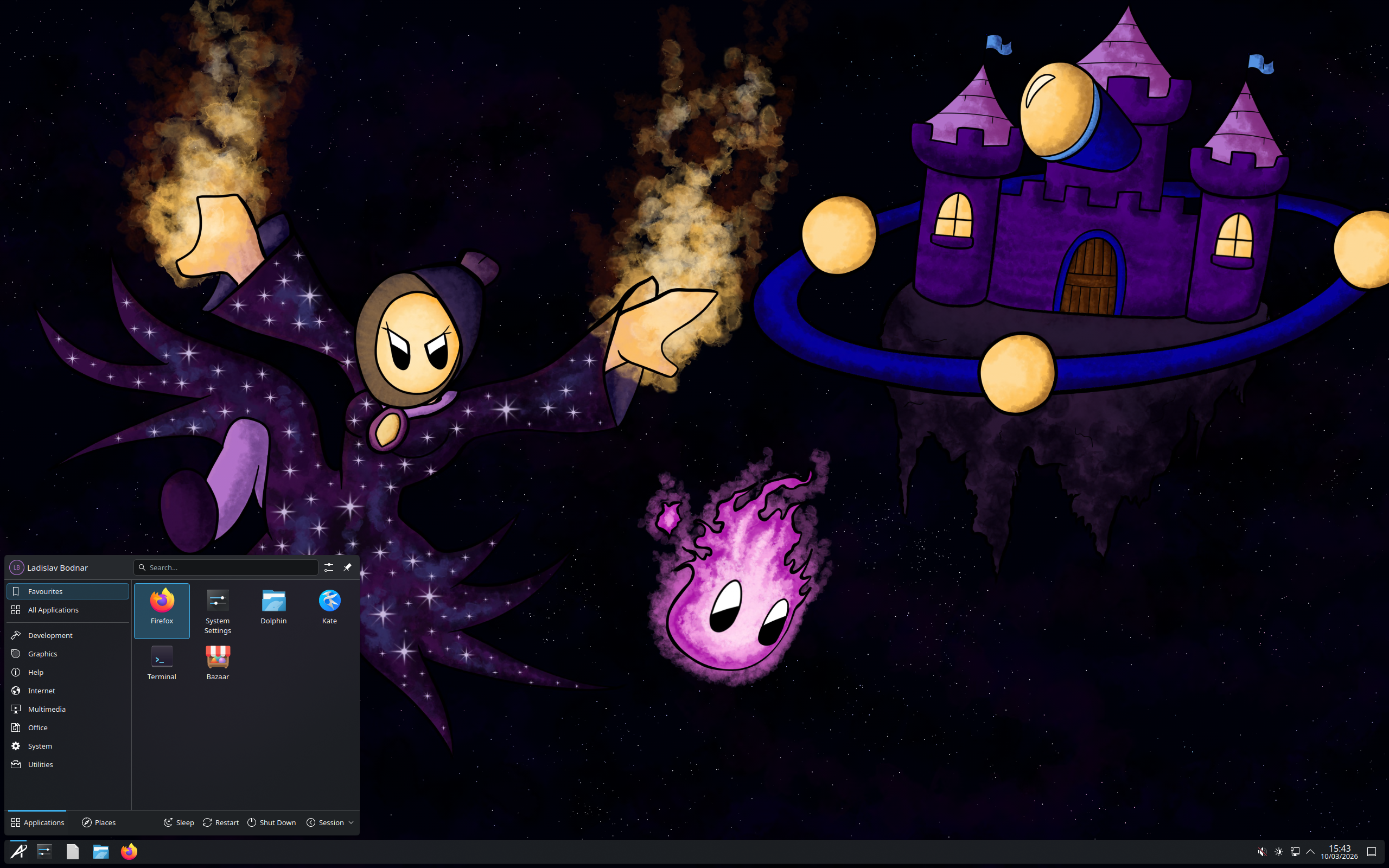

Aurora – Aurora is a clean and reliable desktop operating system for every type of user.
Aurora features a lightly customized KDE Plasma desktop experience that can be customized indefinitely. Install the system once and forget about maintenance. Updates are automatic. Upgrade your system in one-click, including all your apps.
Based on: Fedora
Desktop: KDE Plasma
Category: Immutable, Atomic, Cutting edge, Beginner friendly
Origin: Global
Get Aurora here: https://getaurora.dev/
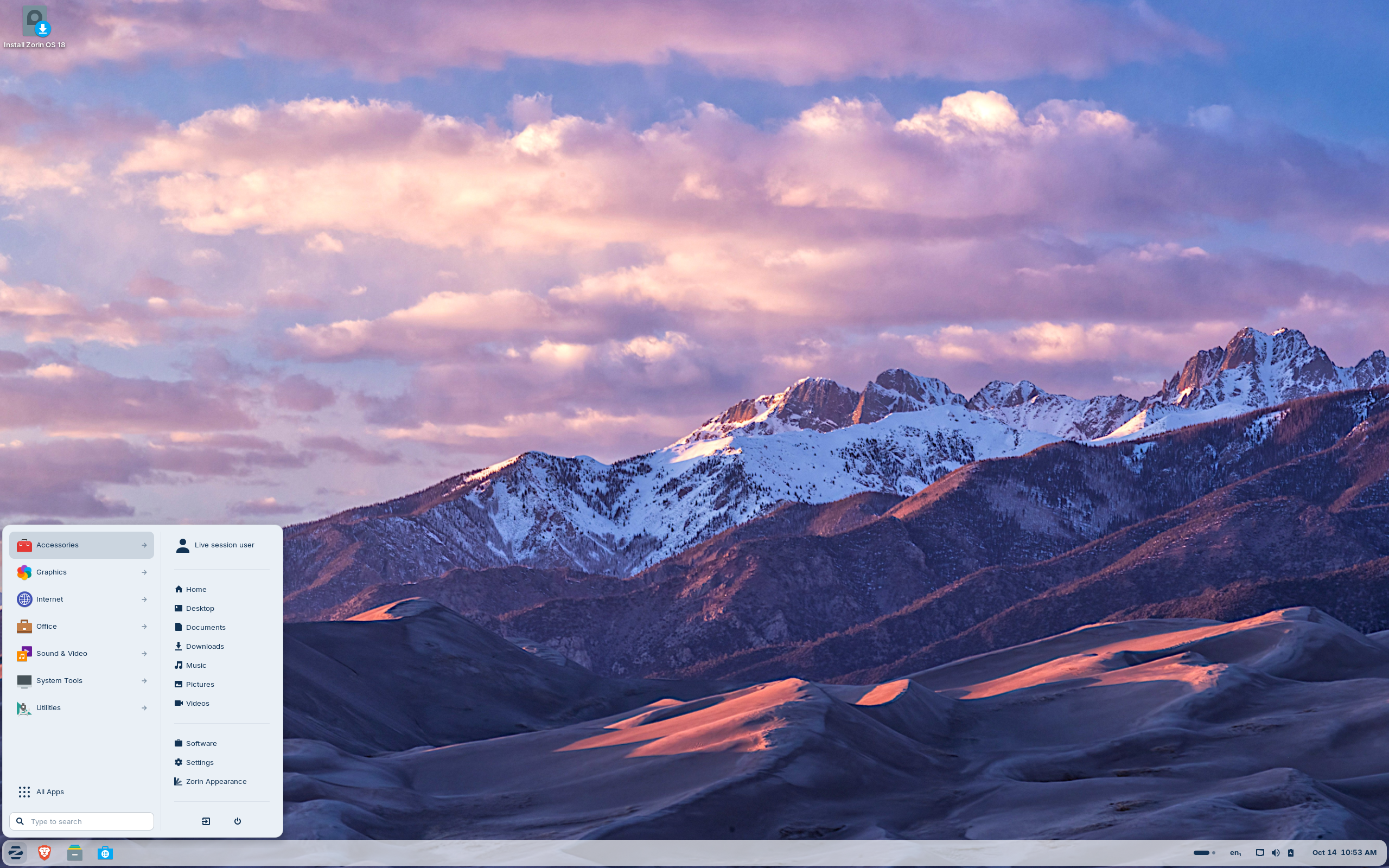

Zorin OS – The alternative to Windows and macOS designed to make your computer faster, more powerful, secure, and privacy-respecting.
Zorin OS is designed to be easy, so you don’t need to learn anything to get started. It comes with all the essential apps you need out of the box. You can even run many Windows apps in Zorin OS with Windows App Support.
Based on: Debian, Ubuntu (LTS)
Desktop: GNOME, Xfce
Category: Stable (LTS), Beginner friendly
Origin: Ireland
Get Zorin OS here: https://zorin.com/os/
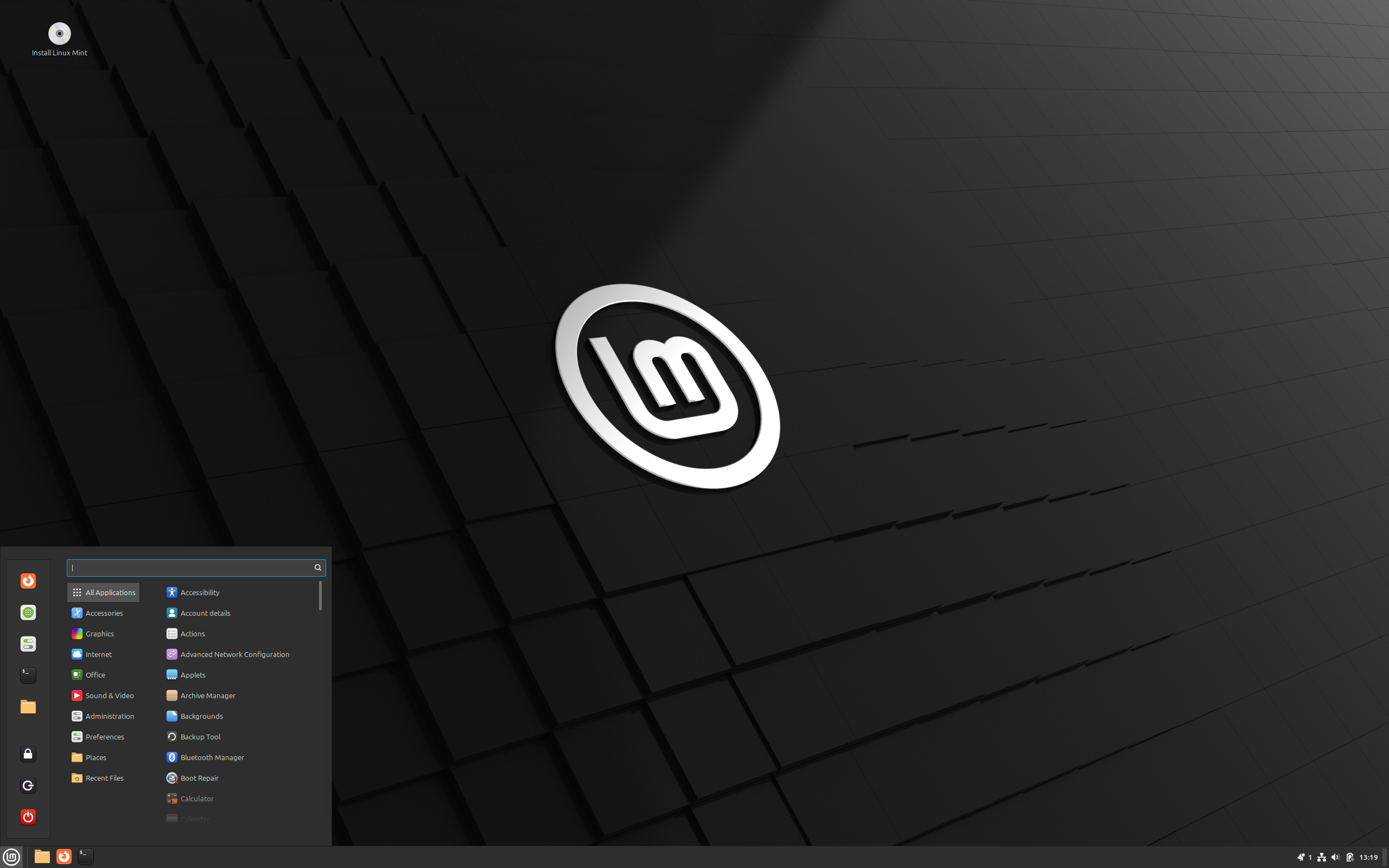

Linux Mint – The friendly operating system
Linux Mint is an operating system for desktop and laptop computers. It is designed to ‘work out of the box’ and comes fully equipped with the apps most people need.
Based on: Debian (stable), Ubuntu (LTS)
Desktop: Cinnamon, MATE, Xfce
Category: Stable (LTS), Beginner friendly
Origin: Ireland
Get Linux Mint here: https://www.linuxmint.com/
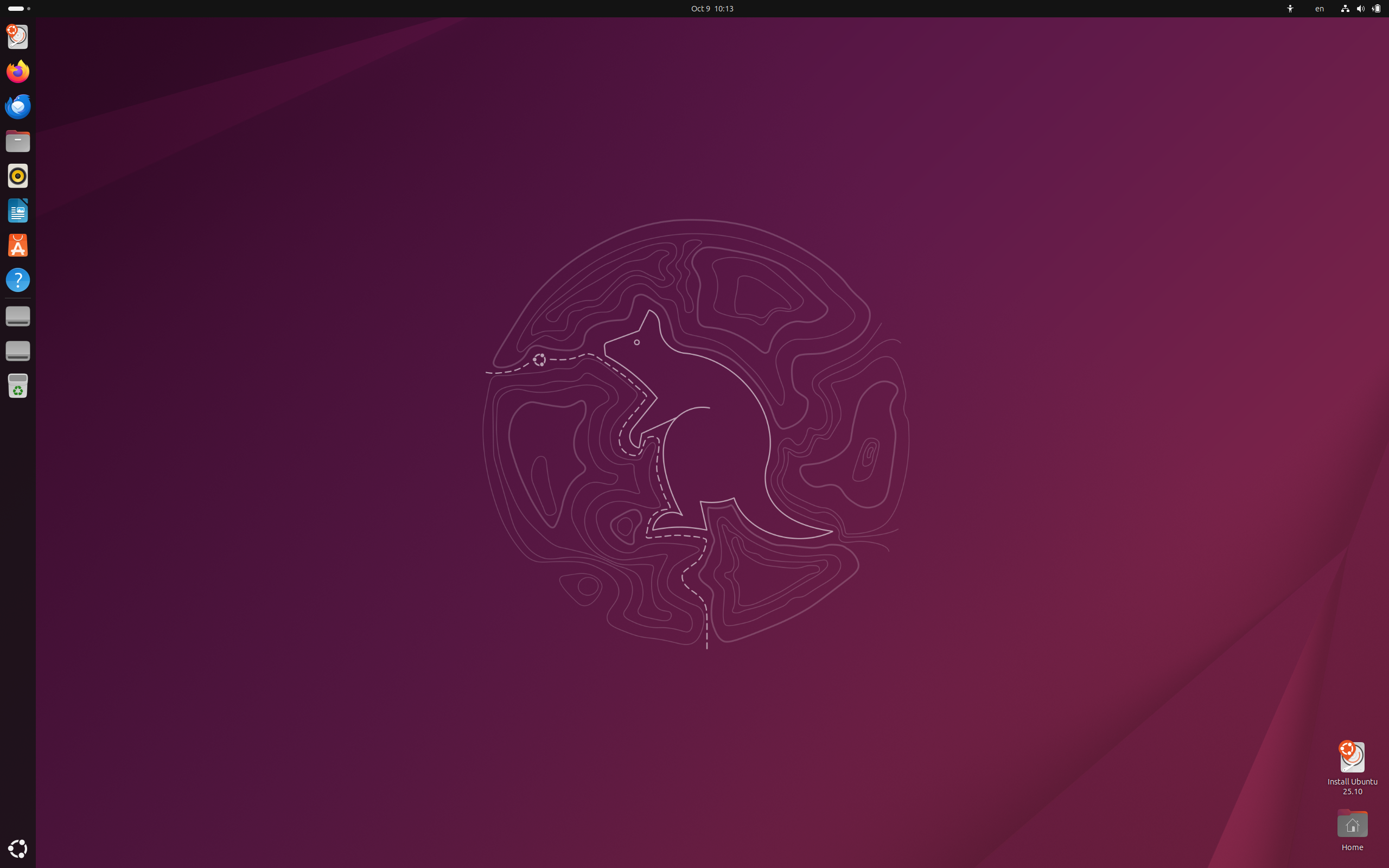

Ubuntu – The secure, modern operating system used by millions.
Ubuntu today has many flavors and dozens of specialized derivatives. All editions share common infrastructure and software. The Ubuntu desktop is by far the world’s most widely used Linux workstation platform, powering the work of engineers across the globe.
Based on: Debian
Desktop: GNOME, Unity, Cinnamon, Budgie, MATE, KDE Plasma, LXQt, Xfce
Category: Stable (LTS), Beginner friendly
Origin: Isle of Man
Get Ubuntu here: Ubuntu, Ubuntu Cinnamon, Ubuntu Budgie, Ubuntu MATE, Kubuntu, Lubuntu, Xubuntu
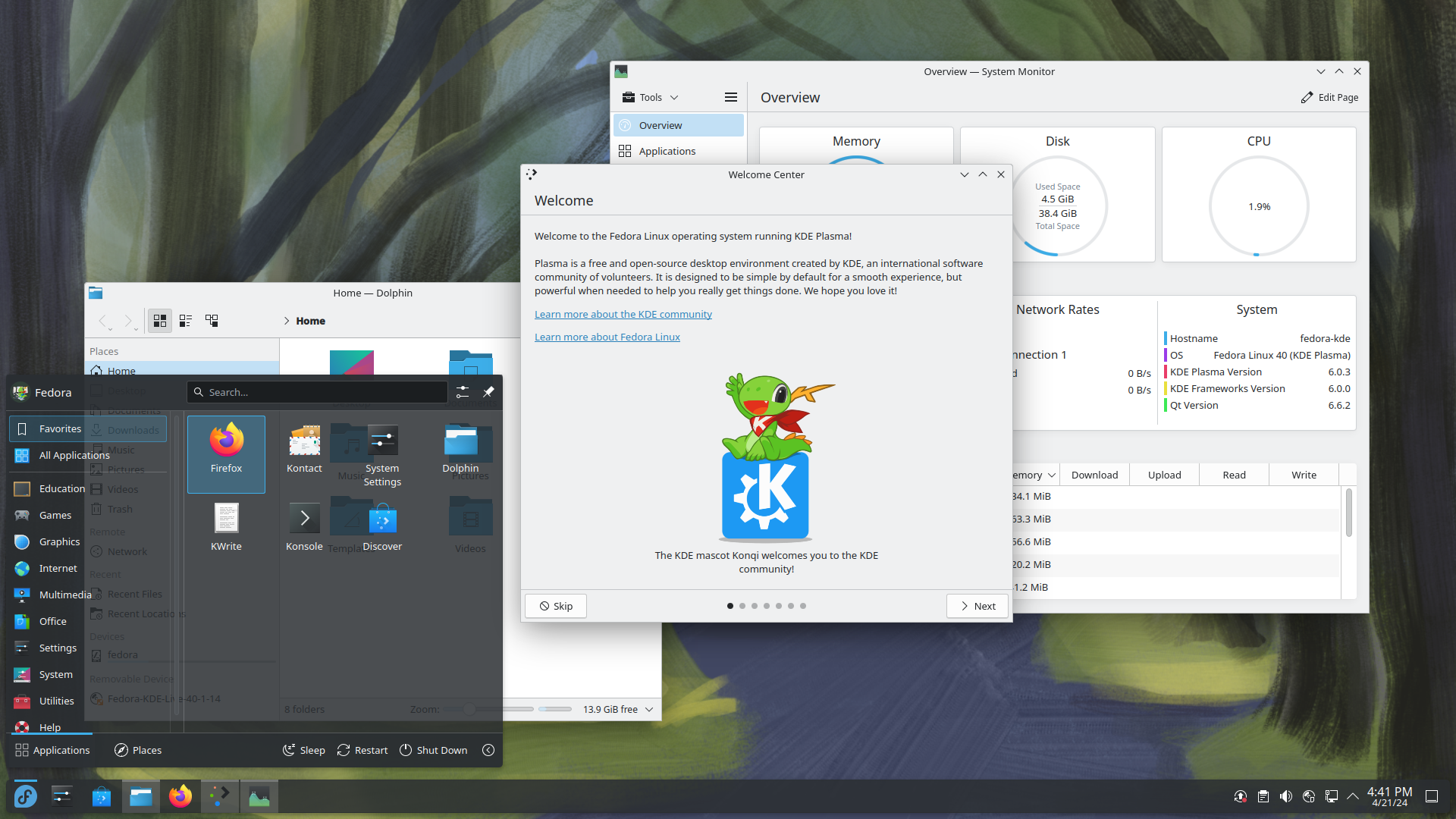

Fedora KDE Plasma Desktop – The Next Generation Personal Desktop
For Creators. For Scientists. For Developers. For Gamers. Features for Everyone.
A customizable high-quality desktop, built on the latest open source technology. Trusted, powerful and easy.
Based on: Fedora
Desktop: Awesome, Budgie, Cinnamon, Enlightenment, i3, GNOME, KDE Plasma, labwc, LXDE, LXQt, MATE, Openbox, Ratpoison, Wayfire, Xfce
Category: Cutting edge, Beginner friendly
Origin: USA
Get Fedora here: Fedora KDE Plasma, Fedora Workstation, Fedora Atomic Desktops, Fedora Spins
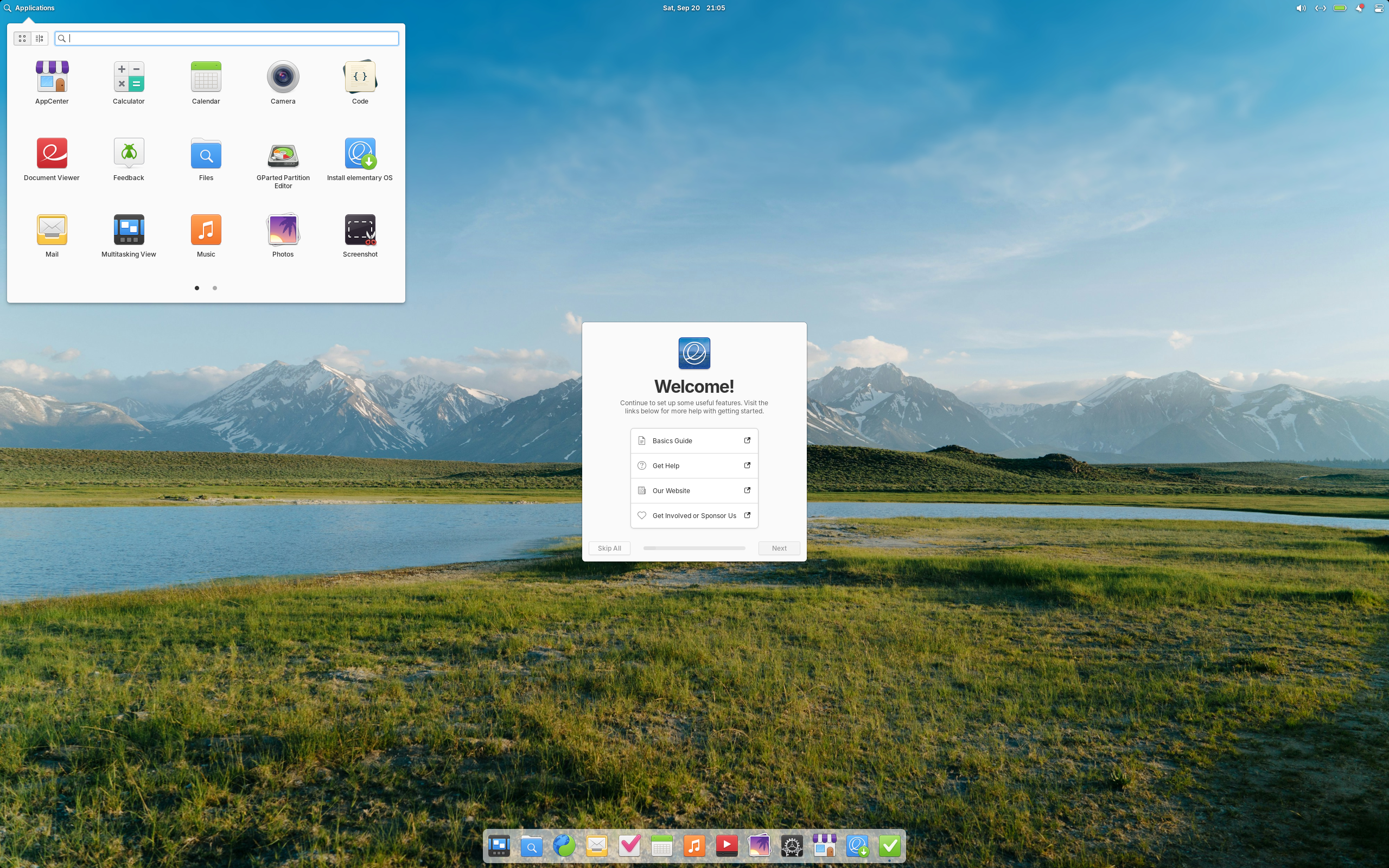

Elementary OS – The thoughtful, capable, and ethical replacement for Windows and macOS
Elementary OS is known for its clean, minimalist, and user-friendly interface, designed as an alternative to macOS and Windows. If features the custom Pantheon desktop environment and a curated set of built-in applications for your every day need. The operating system emphasizes design consistency and ease of use, and uses a “pay-what-you-want” model for downloads.
Based on: Debian, Ubuntu (LTS)
Desktop: Pantheon
Category: Stable (LTS), Beginner friendly
Origin: USA
Get Elemantary OS here: https://elementary.io/
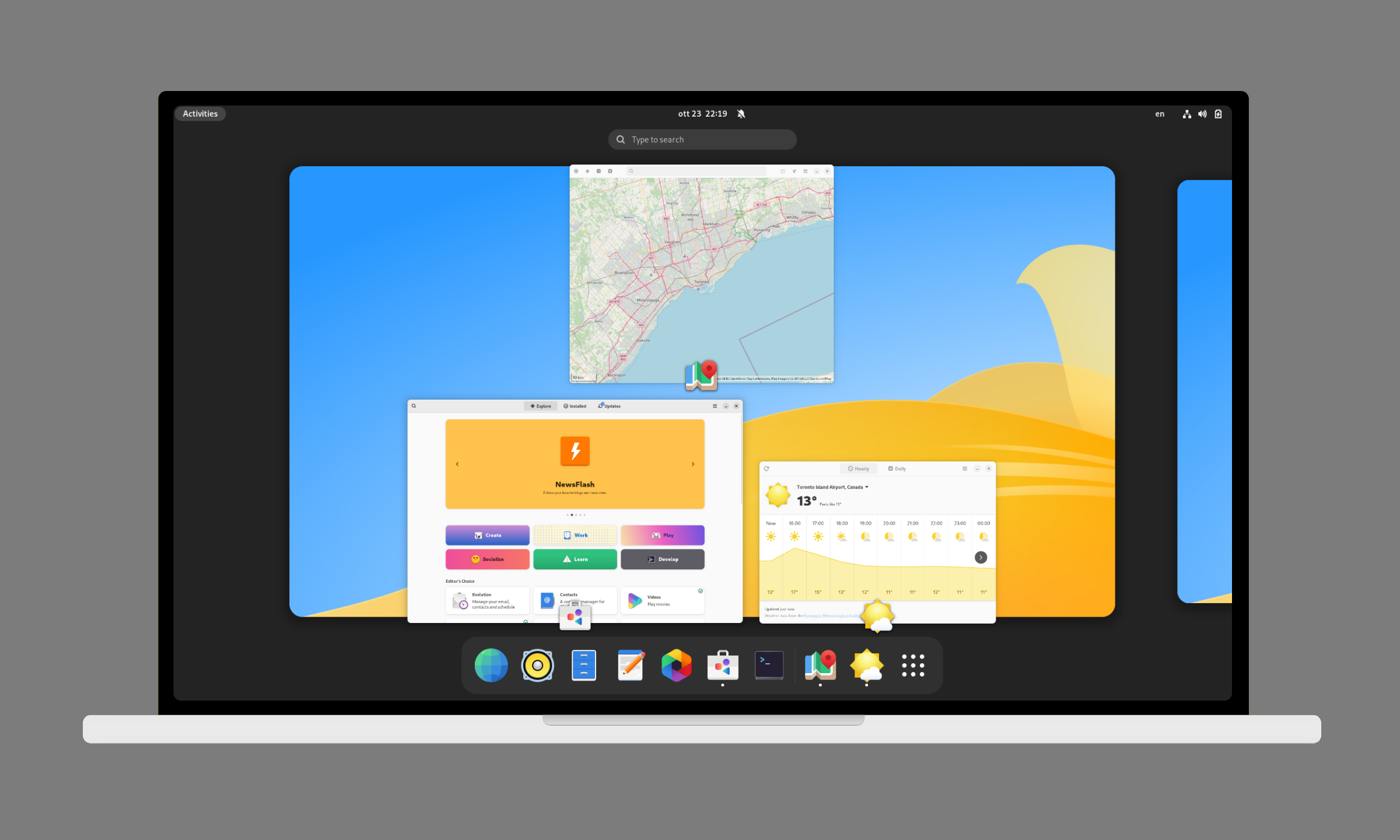

Vanilla OS – Is your next Operating System.
Vanilla OS is designed to be a reliable and productive operating system for your daily work. The desktop environment is perfect for your daily tasks, thanks to its clean and intuitive interface. Everything is setup so that you can start working, and focus on what matters.
Based on: Debian
Desktop: GNOME
Category: Immutable, Atomic, Cutting edge, Beginner friendly
Origin: Italy
Get Vanilla OS here: https://vanillaos.org/
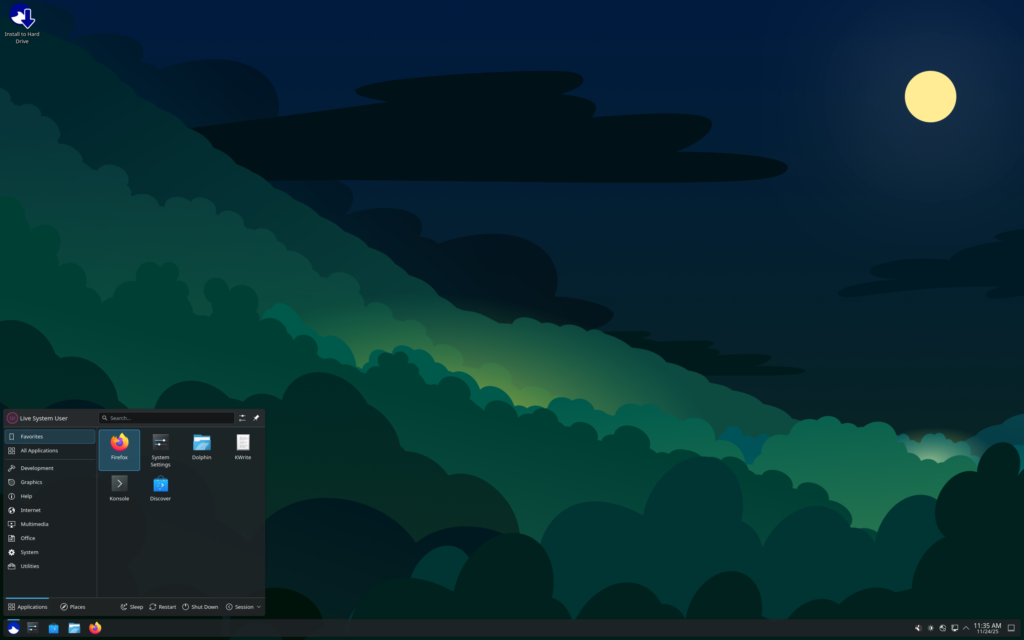

Ultramarine – Do your thing.
Ultramarine Linux is a modern operating system that supports your workflow with the hardware and tools you already love, for work, school, and play. However you use your system, we have you covered with tweaks and tools to make things run more seamlessly out of the box.
Based on: Fedora
Desktop: Budgie, GNOME, KDE Plasma, Xfce
Category: Cutting edge | Will get an immutable version in version 44. Currently it’s on version 43.
Origin: Thailand
Get Ultramarine linux here: https://ultramarine-linux.org/
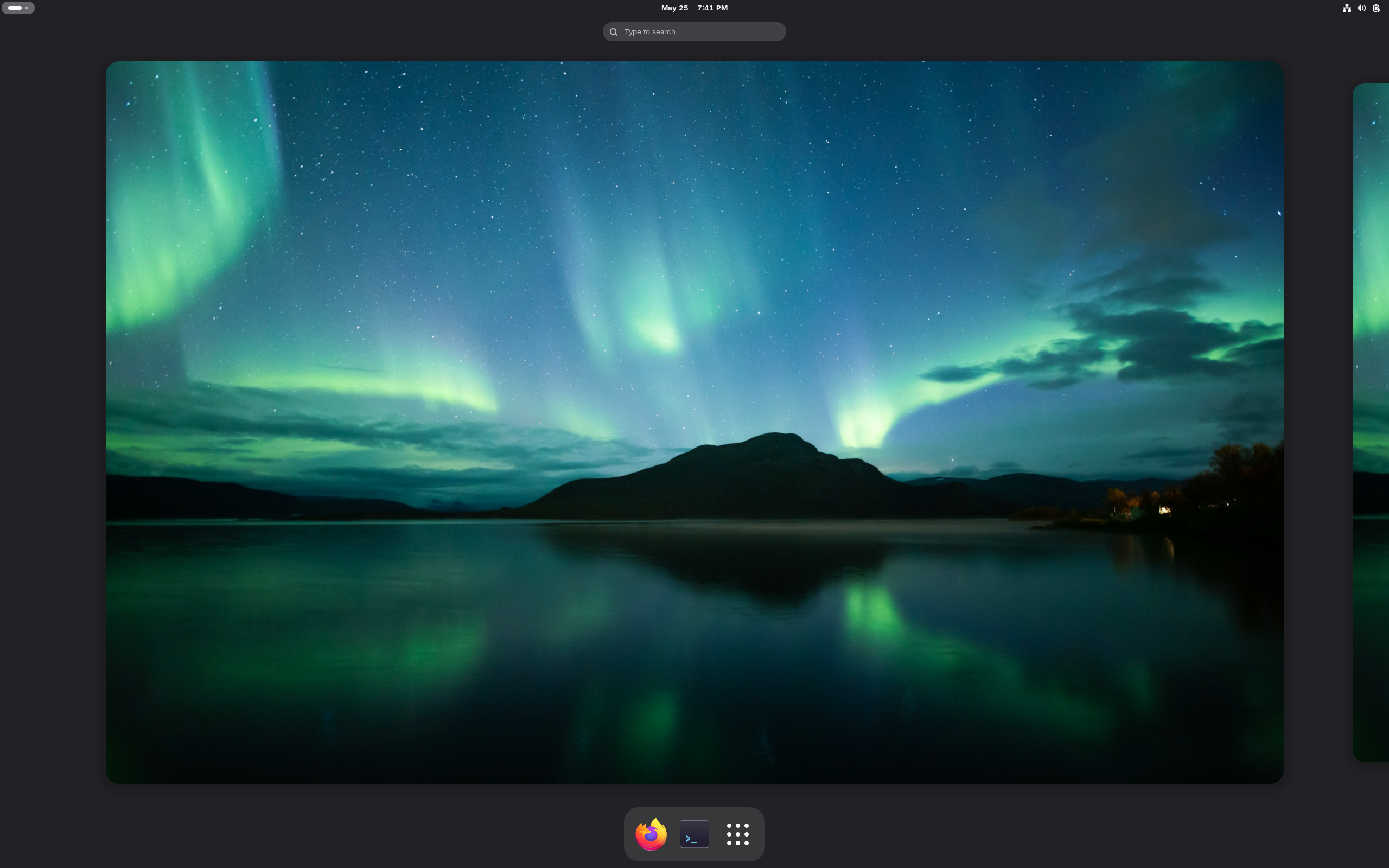

AerynOS – Blazing fast, bulletproof updates and effortlessly powerful
AerynOS is an independent performance-oriented Linux-based operating system that diverges significantly from traditional distributions whilst still aiming to provide a familiar and comfortable environment.
The code-base is currently in an alpha “technical preview” stage, which means that it is not yet ready for widespread use. But this is an interesting Linux distribution to keep an eye on in 2026.
Based on: AerynOS
Desktop: COSMIC, GNOME, KDE Plasma
Category: Atomic, Cutting edge
Origin: Ireland
Get AerynOS here: https://aerynos.com/
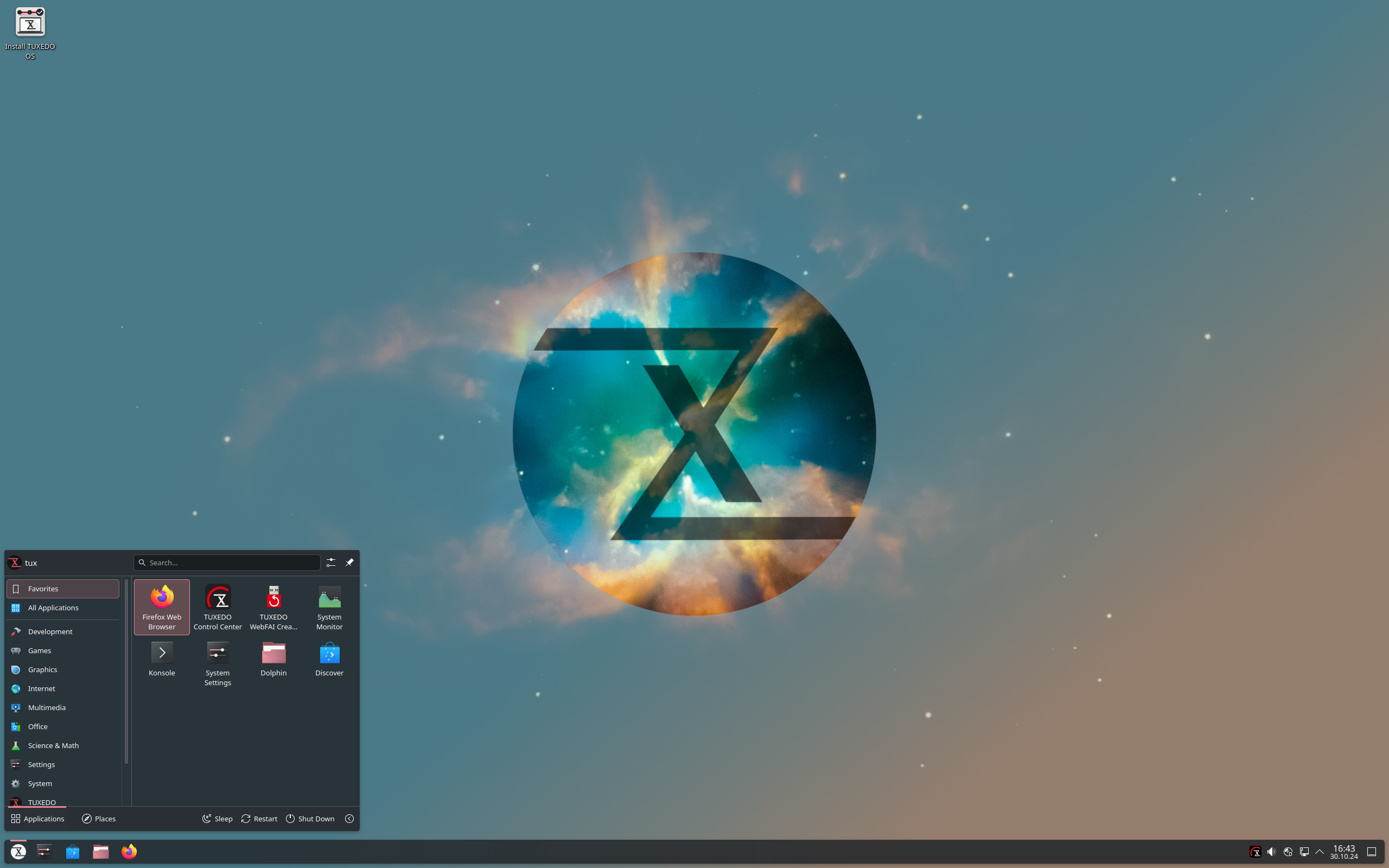

Tuxedo OS – Tailor-made OS for your TUXEDO
Fast, secure, powerful and covering all application purposes in the best possible way: The operating system tailor-made for your TUXEDO!
Based on the KDE plasma desktop, TUXEDO OS creates a user experience that is also suitable for beginners with a large and flexible feature set for Linux professionals.
Based on: Debian, Ubuntu (LTS)
Desktop: KDE Plasma
Category: Stable (LTS), Beginner friendly
Origin: Germany
Get Tuxedo OS here: https://www.tuxedocomputers.com/en/TUXEDO-OS_1.tuxedo
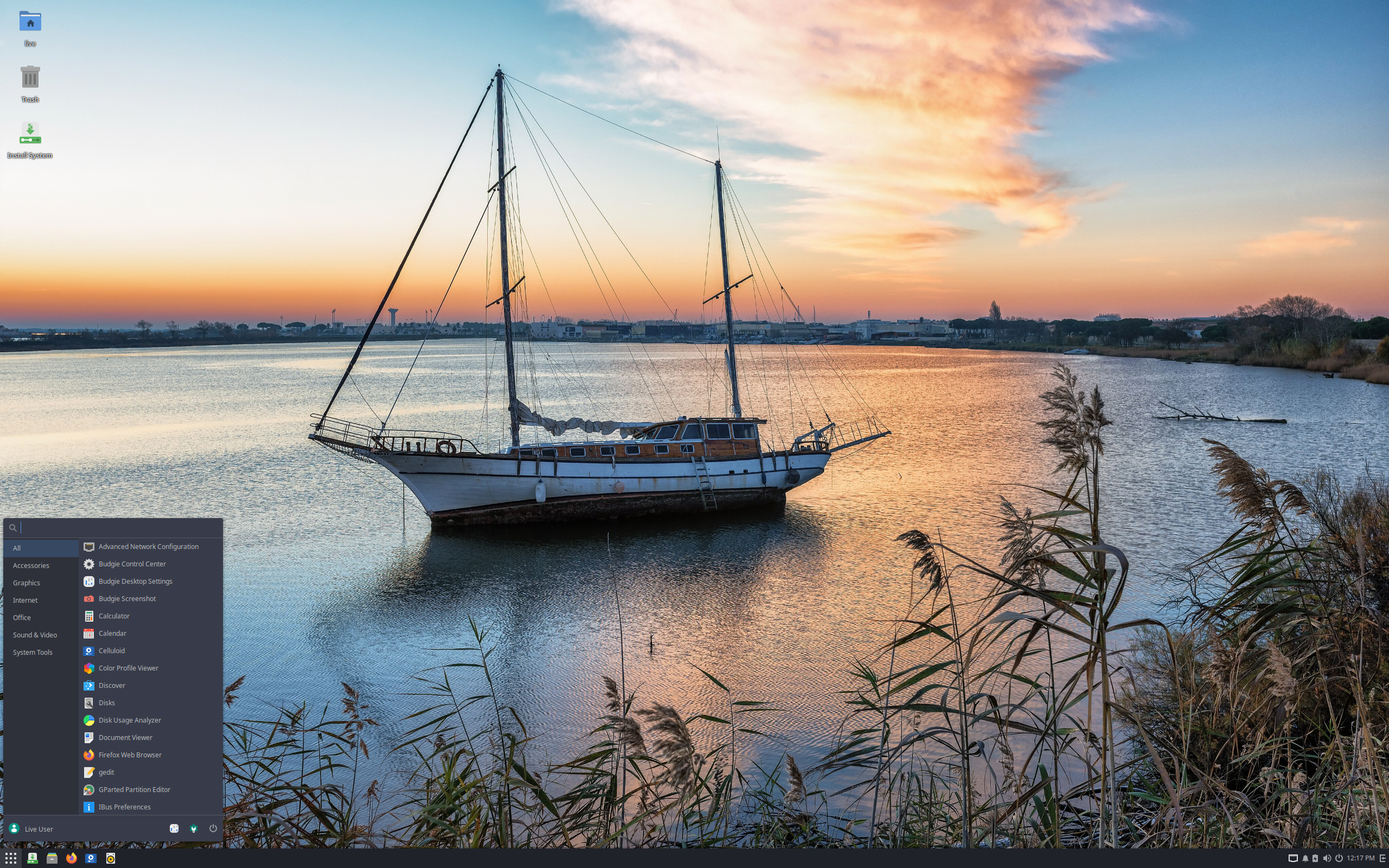

Solus – The Personal OS for Personal Computers
A modern Open Source operating system to power your daily needs. Install today, update forever.
Solus provides a multitude of experiences that enable you to get the most out of your hardware. From our curated Budgie experience for modern devices, to the more traditional Xfce experience for lower-end devices, Solus aims to provide the best experience for your device.
Our distribution ships with a variety of software out of the box so you can get going without a lot of setup fuss. Less setup means you can get started using your computer quicker.
Based on: Solus
Desktop: Budgie, GNOME, KDE Plasma, Xfce
Category: Stable (LTS), Beginner friendly
Origin: Ireland
Get Solus here: https://getsol.us
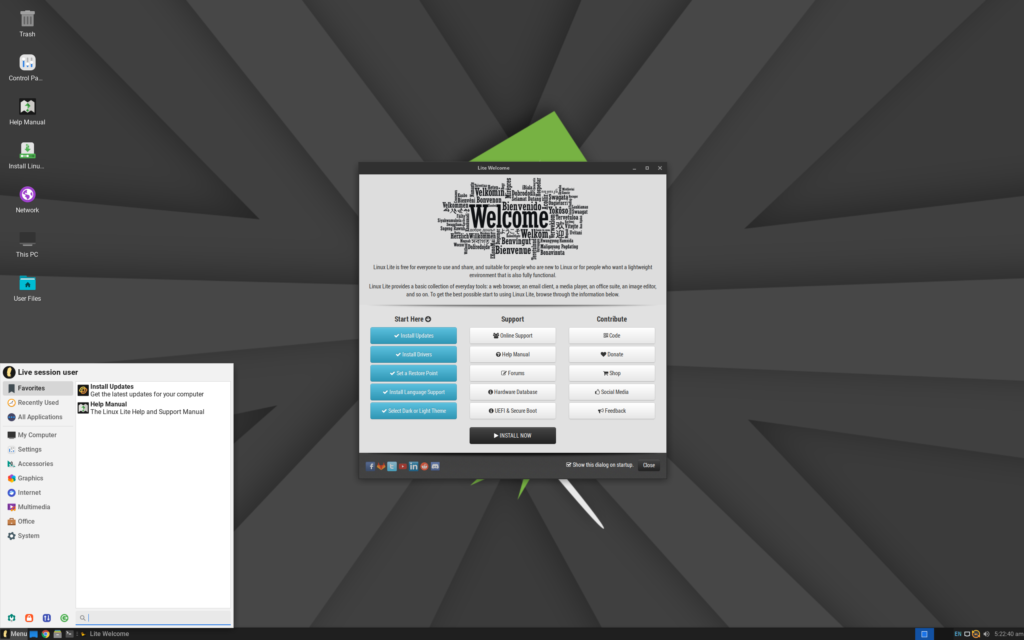

Linux Lite – Simple, Fast, and User-Friendly Linux
Linux Lite is a lightweight, user-friendly Linux distribution that brings the power of Linux to everyone. Perfect for older hardware and new users alike. Designed with simplicity and performance in mind, Linux Lite offers everything you need for a smooth computing experience.
Based on: Debian, Ubuntu
Desktop: Xfce
Category: Stable (LTS), Beginner friendly
Origin: New Zealand
Get Linux Lite here: https://www.linuxliteos.com
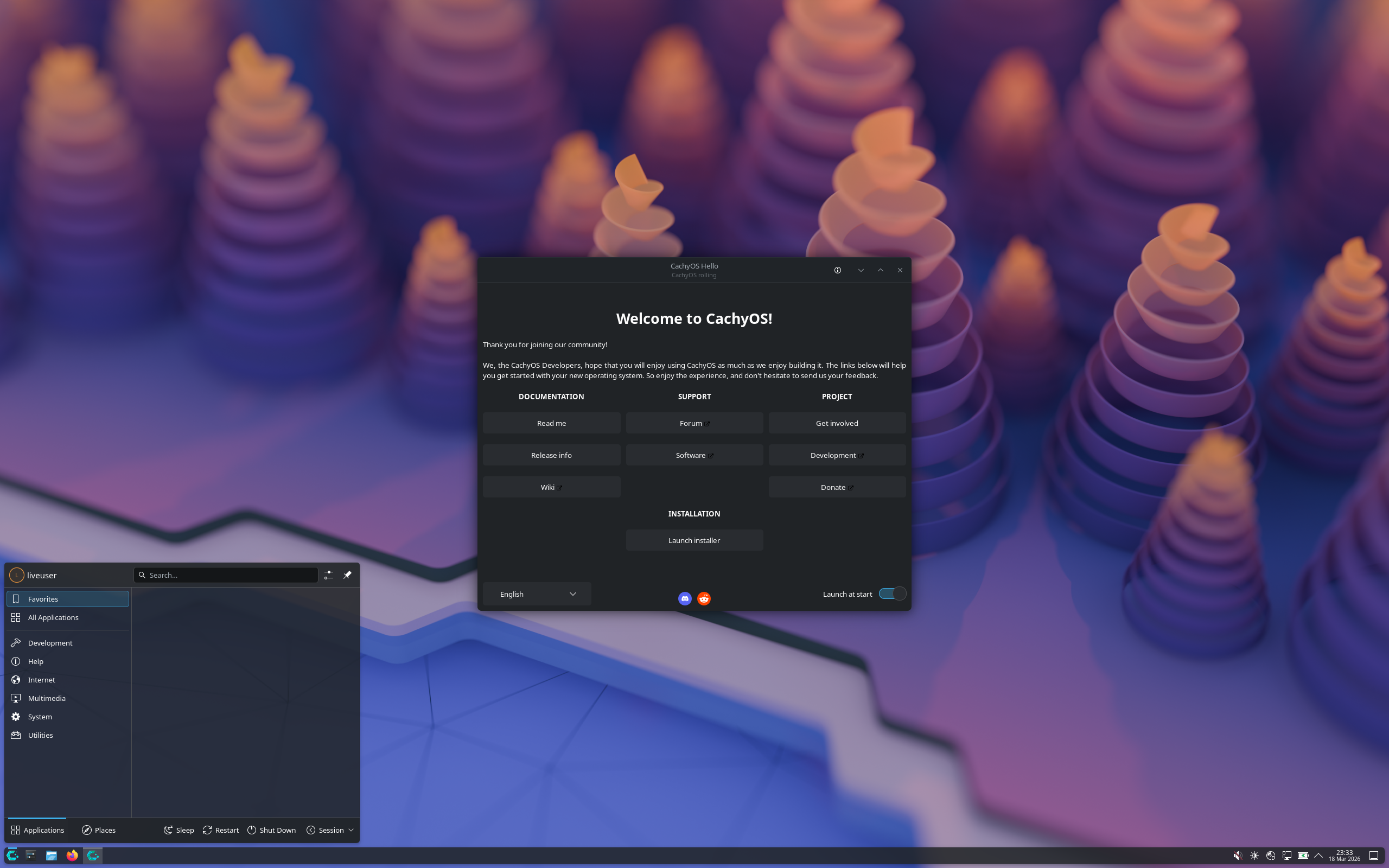

CachyOS – Blazingly fast and customizable Linux distribution
CachyOS is designed to deliver lightning-fast speeds and stability, ensuring a smooth and enjoyable computing experience every time you use it. Whether you’re a seasoned Linux user or just starting out, CachyOS is the ideal choice for those looking for a powerful, customizable and blazingly fast operating system.
CachyOS includes gaming-related software like Steam, Lutris, and the Heroic Games Launcher through meta packages, along with a customized version of Proton called Proton-CachyOS. It also features tools for performance optimization and system integration, such as a power profiler and compatibility with game-specific workarounds.
Based on: Arch
Desktop: bspwm, Budgie, Cinnamon, COSMIC, GNOME, Hyprland, i3, KDE Plasma, LXDE, LXQt, MATE, niri, Openbox, Qtile, Sway, UKUI, Wayfire, Xfce
Category: Cutting edge
Origin: Germany
Get CachyOS here: https://cachyos.org/
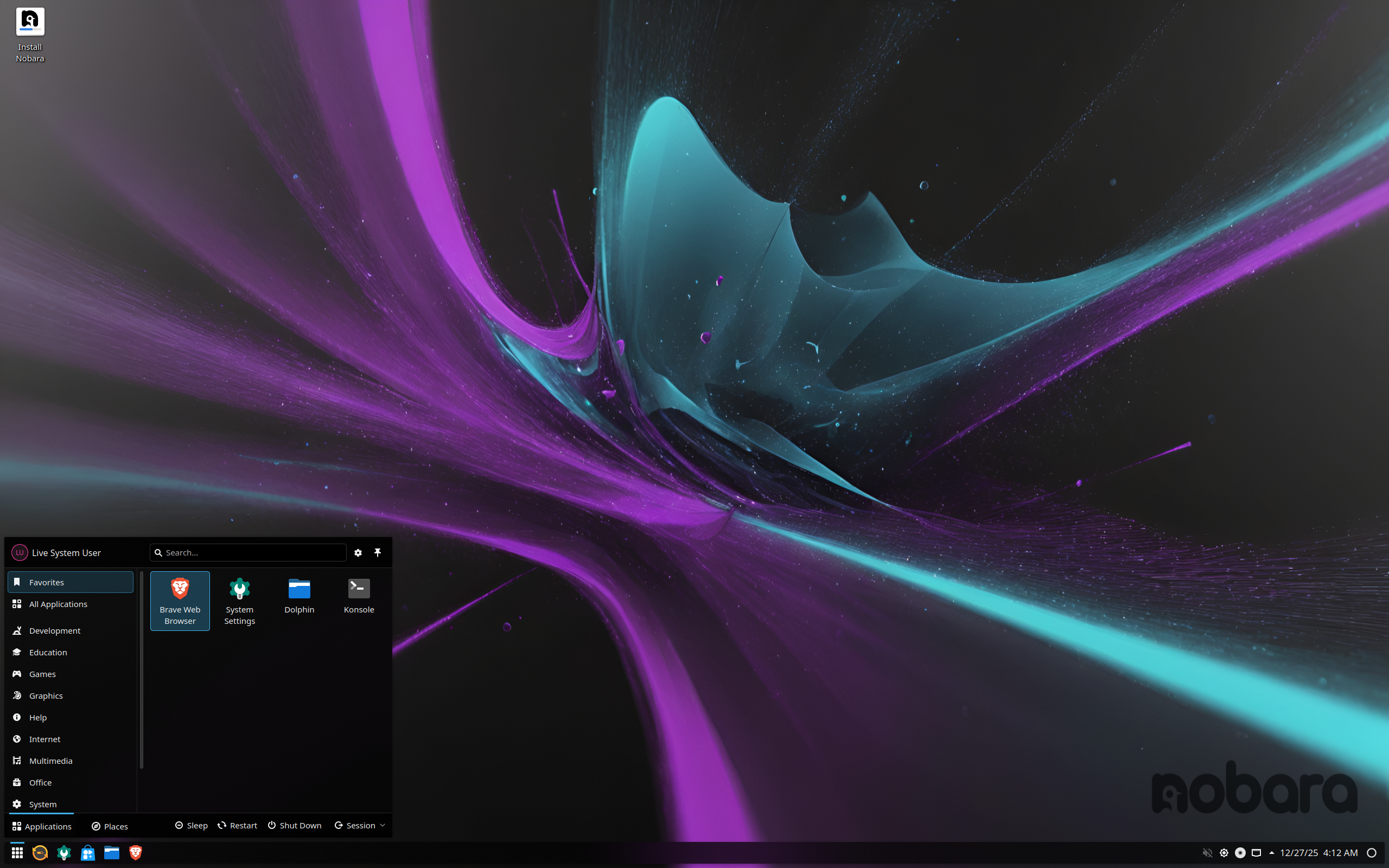

Nobara Linux – “wild rose” (nobara) symbolizes resilience, beauty, and growth, reflecting its goal of providing a user-friendly and powerful Linux experience.
Nobara Linux is a user-friendly spin of Fedora Linux designed to improve the out-of-the-box experience for gaming, streaming, and content creation. It includes pre-installed proprietary drivers like NVIDIA, essential gaming tools, multimedia codecs, and other user-friendly fixes that are not present in a standard Fedora installation.
Nobara Linux includes gaming-specific software and optimizations right out of the box, such as Steam, Lutris, Proton-GE, Wine with all its dependencies, and various gaming-related patches. It also includes multimedia codecs and pre-configured NVIDIA and AMD drivers to streamline the setup process for users.
Based on: Fedora
Desktop: GNOME, KDE Plasma
Category: Cutting edge, Beginner friendly
Origin: USA
Get Nobara Linux here: https://nobaraproject.org/
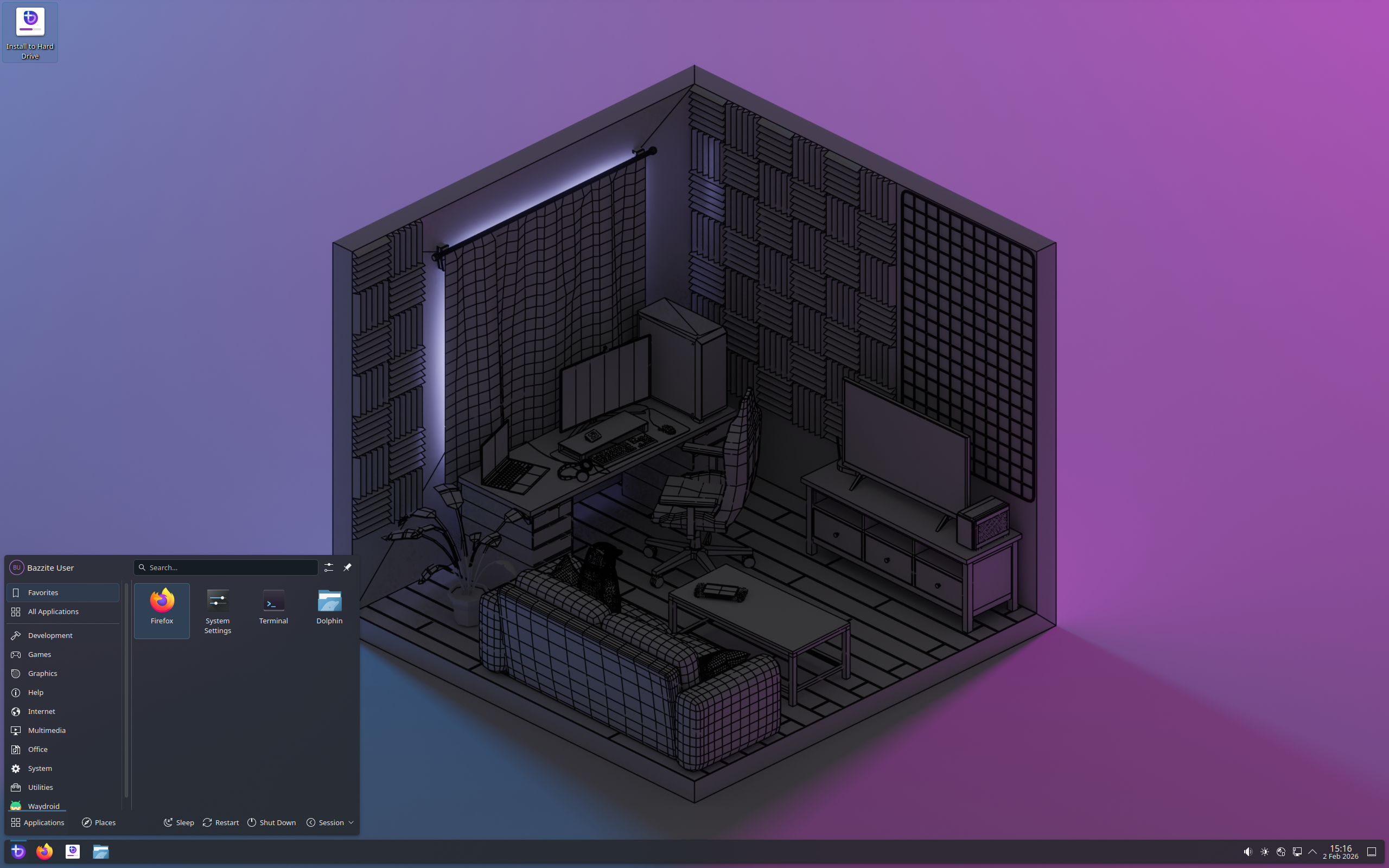

Bazzite – The next generation of Linux Gaming for all your devices.
Bazzite comes ready to rock with Steam and Lutris pre-installed, Steam Game Mode, HDR support for AMD GPUs, and numerous community-developed tools for your gaming needs. With support for handhelds PCs, NVIDIA drivers and the latest Mesa for AMD & Intel pre-installed, and numerous tweaks applied as needed to ensure your games just work.
Based on: Fedora
Desktop: GNOME, KDE Plasma
Category: Immutable, Atomic, Cutting edge, Beginner friendly
Origin: Global
Get bazzite here: https://bazzite.gg/
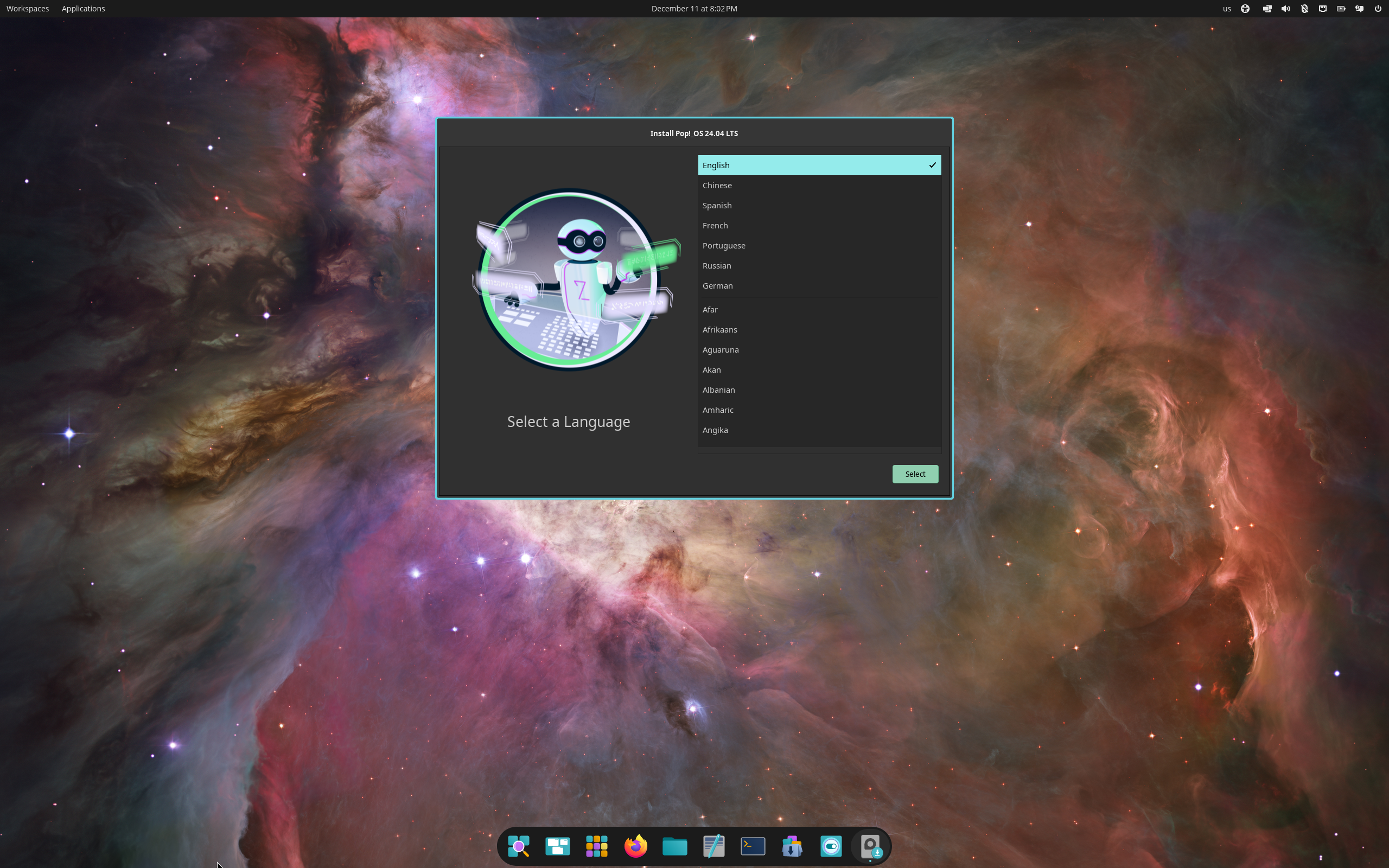

Pop!_OS – Unleash your potential, a Linux operating system empowering fun, discovery, and user freedom.
Pop!_OS is designed for fast navigation, easy workspace organization, and fluid, convenient workflow. It is designed in-house by System76, the US computer manufacturer.
Pop!_OS includes the Pop!_Shop for easily installing Steam, Lutris, and GameHub. Steam allows for playing native Linux games and Windows games via Proton, while Lutris and GameHub help manage games from other platforms like GOG and itch.io
Based on: Debian, Ubuntu (LTS)
Desktop: COSMIC, Gnome
Category: Stable (LTS), Beginner friendly
Origin: USA
Get Pop!_OS here: https://system76.com/pop/
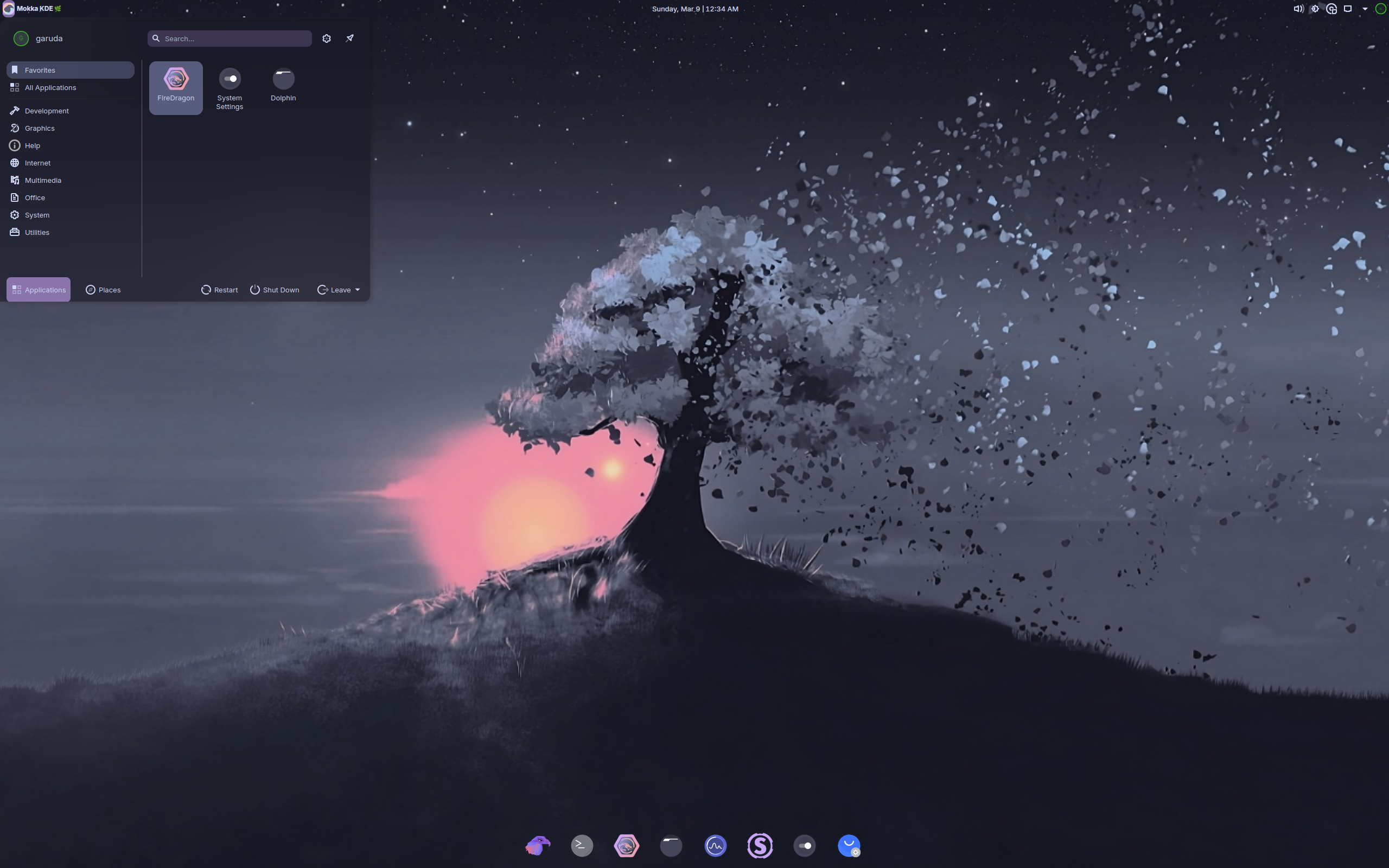

Garuda Linux – Simple by default, powerful when needed
Garuda Linux provides opinionated settings that make the Arch Linux base easy to use. From installation to daily use. They focus on providing a beautiful and easy-to-use desktop experience for everyone.
Garuda Linux’s gaming edition includes a comprehensive suite of gaming software like Steam, Lutris, and various emulators. It also features the Garuda Gamer GUI, which helps users easily install additional gaming-related software and games.
Based on: Arch
Desktop: Cinnamon, GNOME, Hyprland, i3, KDE Plasma, Mokka, Sway, Xfce
Category: Cutting edge
Origin: Germany
Get Garuda Linux here: https://garudalinux.org/
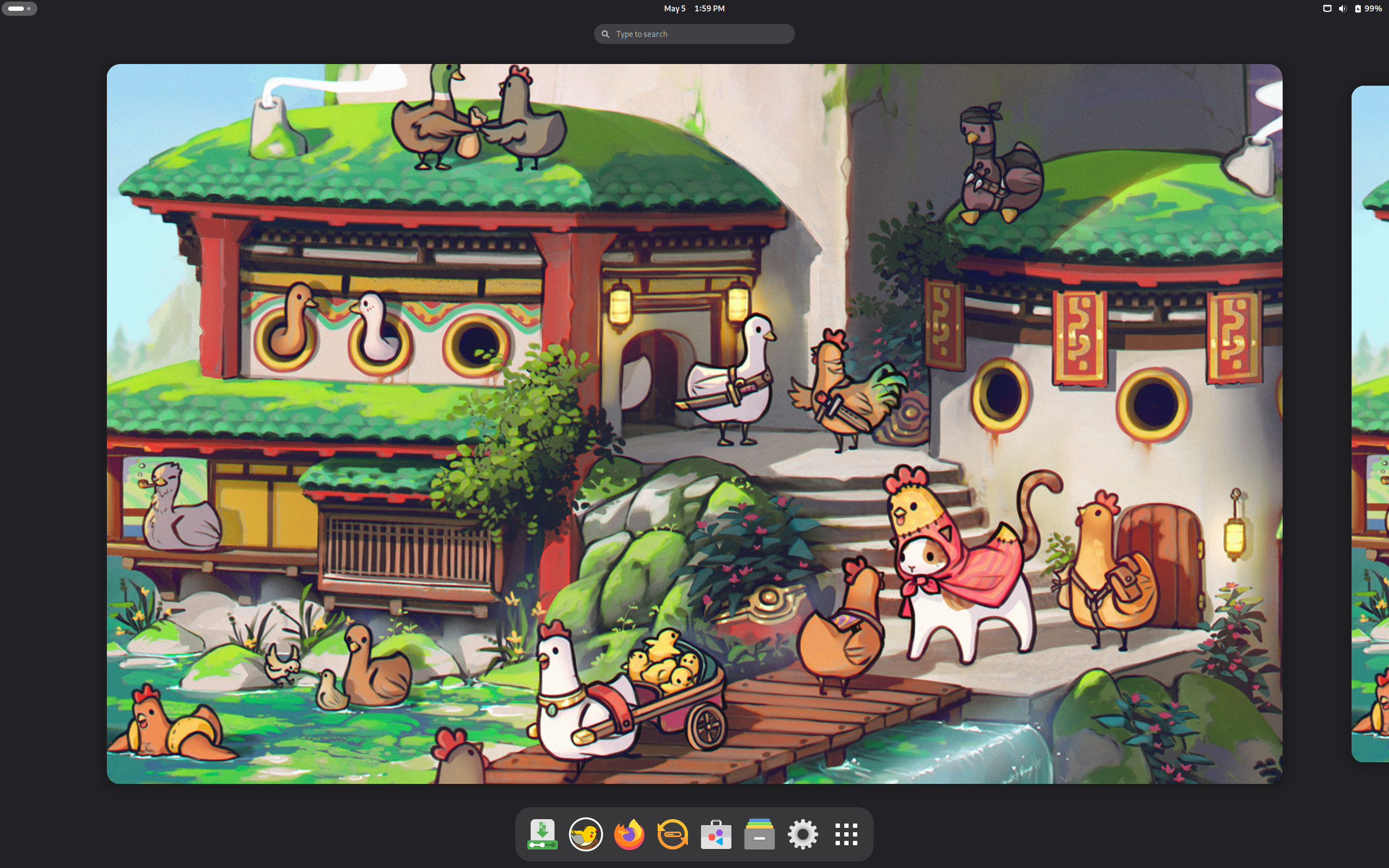

PikaOS – Your new Linux distro for gaming and beyond! 🚀
PikaOS is a gaming/optimization-focused Linux distribution that emphasizes ease of use and high compatibility. Built on a Debian base but with cherry picked and custom compiled packages ensures that Pika is stable whilst being bang up to date!
Based on: Debian
Desktop: COSMIC, GNOME, Hyprland, KDE Plasma, niri
Category: Cutting edge, Beginner friendly
Origin: United Kingdom
Get PikaOS here: https://wiki.pika-os.com/
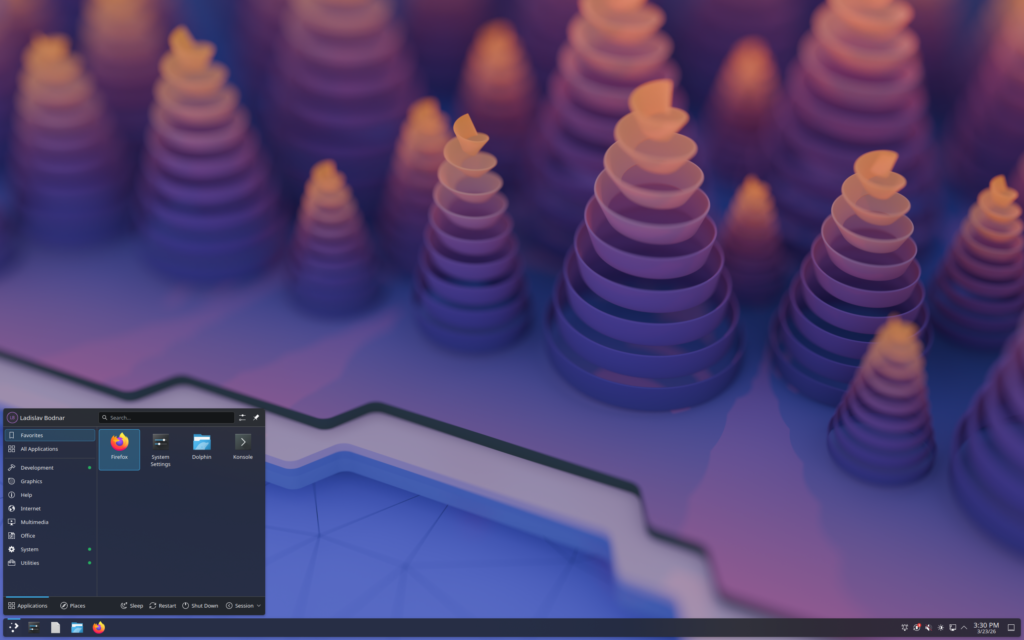
Fedora KDE Plasma Desktop – The Next Generation Personal Desktop
For Creators. For Scientists. For Developers. For Gamers. Features for Everyone.
A customizable high-quality desktop, built on the latest open source technology. Trusted, powerful and easy.
Based on: Fedora
Desktop: Awesome, Budgie, Cinnamon, Enlightenment, i3, GNOME, KDE Plasma, labwc, LXDE, LXQt, MATE, Openbox, Ratpoison, Wayfire, Xfce
Category: Cutting edge, Beginner friendly
Origin: USA
Get Fedora here: Fedora KDE Plasma, Fedora Workstation, Fedora Atomic Desktops, Fedora Spins

RakuOS – Atomic Linux that doesn’t take away your package manager.
Immutable base. Install anything. Native gaming. Zero compromises. Total freedom.
RakuOS uses a persistent overlay system mounted directly on /usr. Your base system is always pristine — but you can install any native package you want, and it survives every system update.
Based on: Fedora
Desktop: GNOME, KDE Plasma
Category: Cutting edge
Origin: Unknown
Get RakuOS here: https://rakuos.org
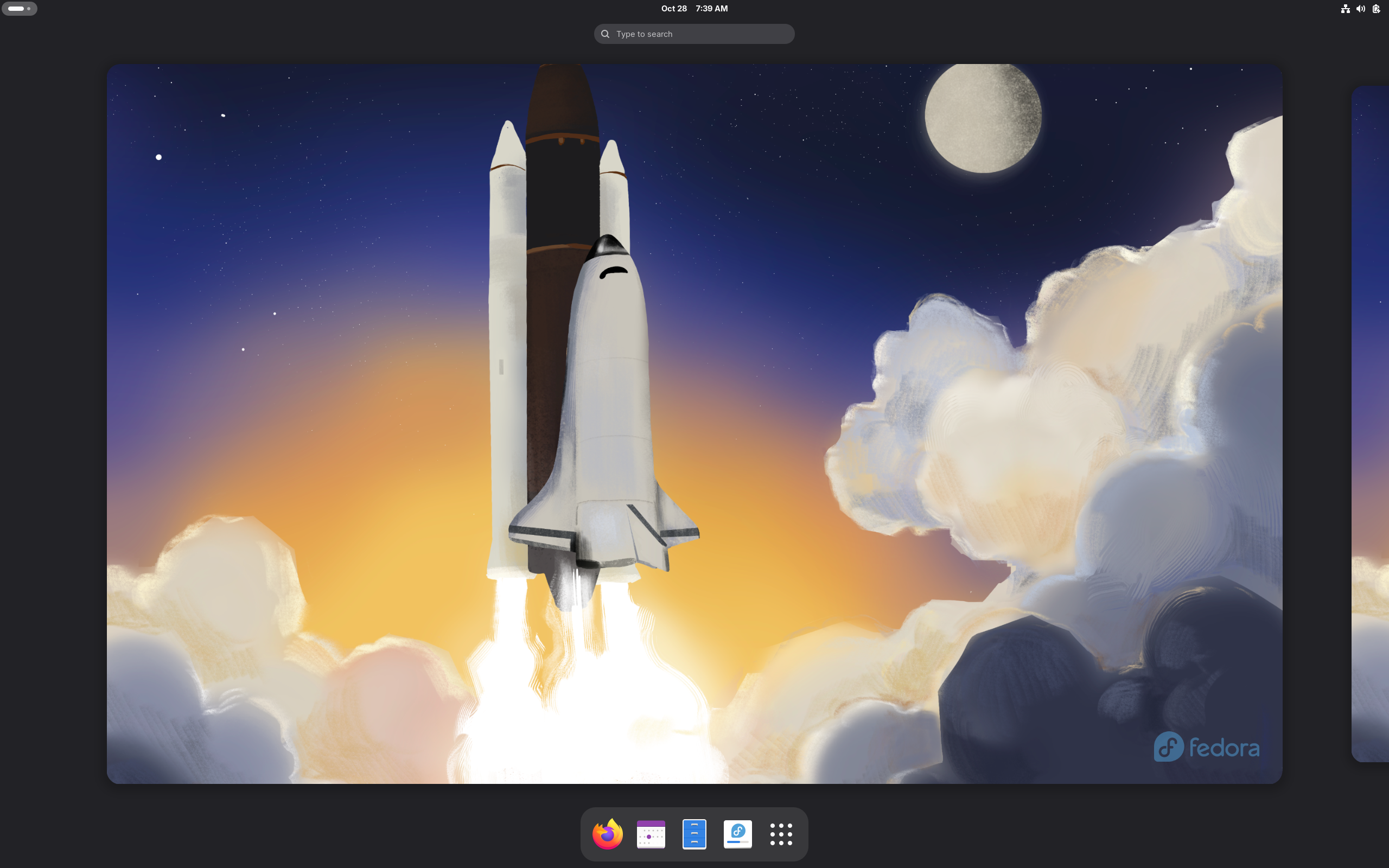
Fedora Workstation – The leading Linux desktop
Fedora Workstation is a polished, easy to use operating system for laptop and desktop computers, with a complete set of tools for developers and makers of all kinds.
Based on: Fedora
Desktop: Awesome, Budgie, Cinnamon, Enlightenment, i3, GNOME, KDE Plasma, labwc, LXDE, LXQt, MATE, Openbox, Ratpoison, Wayfire, Xfce
Category: Cutting edge
Origin: USA
Get Fedora here: https://fedoraproject.org/workstation/
Fedora Atomic Desktops – Find a Fedora atomic desktop to enhance your experience!
Fedora Atomic Desktops are immutable operating systems that uses a read-only root file system, providing a more stable and reliable experience than traditional desktop systems. It offers atomic upgrades, easy rollbacks, and a secure, containerized environment for applications and development tools. This makes it a good choice for developers, particularly those who work with containers, and users who prioritize system stability and security
Based on: Fedora
Desktop: Awesome, Budgie, Cinnamon, Enlightenment, i3, GNOME, KDE Plasma, labwc, LXDE, LXQt, MATE, Openbox, Ratpoison, Wayfire, Xfce
Category: Immutable, Atomic, Cutting edge, Beginner friendly
Origin: USA
Get Fedora here: https://www.fedoraproject.org/atomic-desktops/
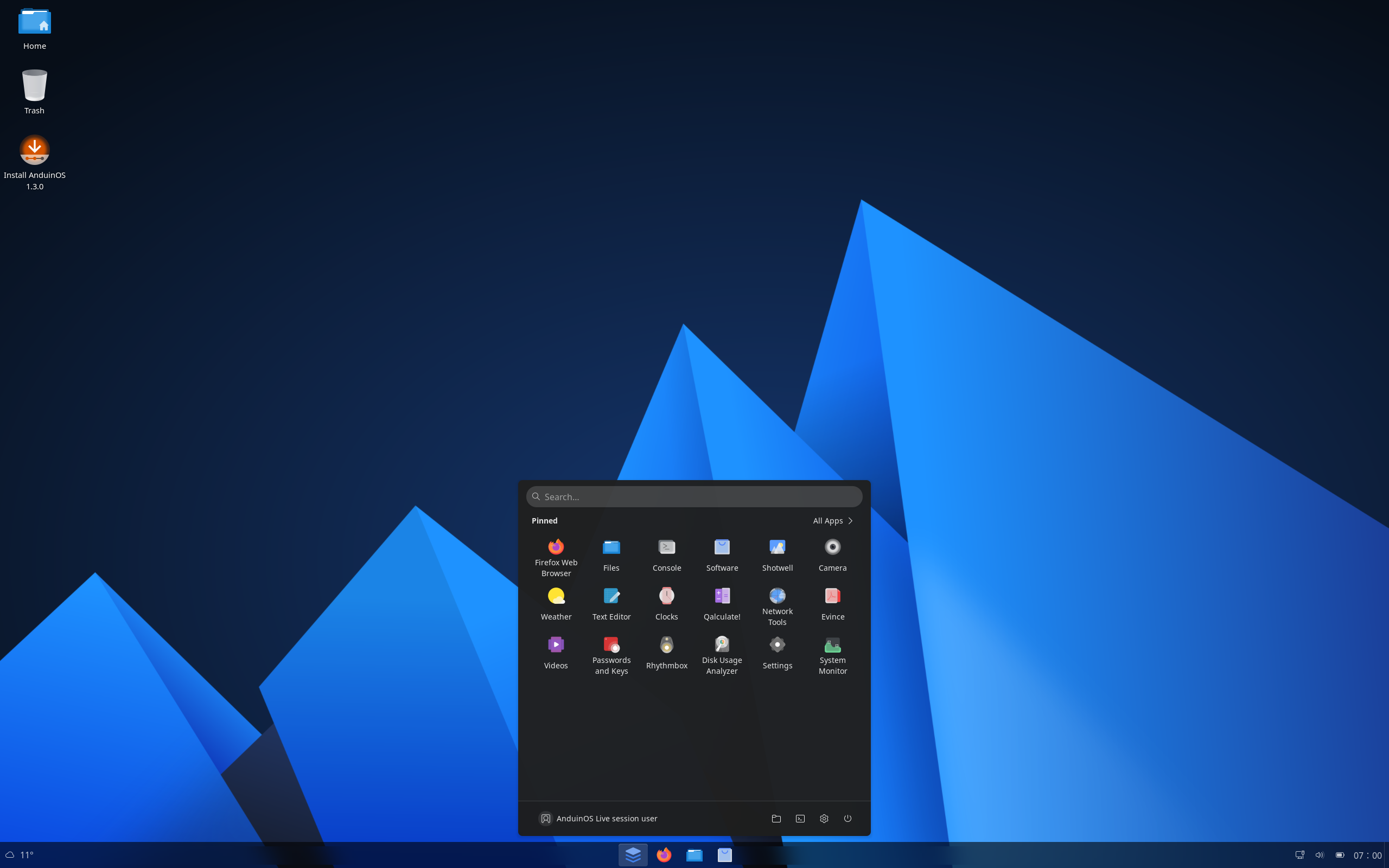

AnduinOS – Smaller image, friendly interface, unbeatable performance, safe and secure.
AnduinOS is a custom Ubuntu-based Linux distribution that offers a familiar and easy-to-use experience for anyone moving to Linux.
Based on: Debian, Ubuntu
Desktop: GNOME
Category: Cutting edge
Origin: Hong Kong
Get AnduinOS here: https://www.anduinos.com/
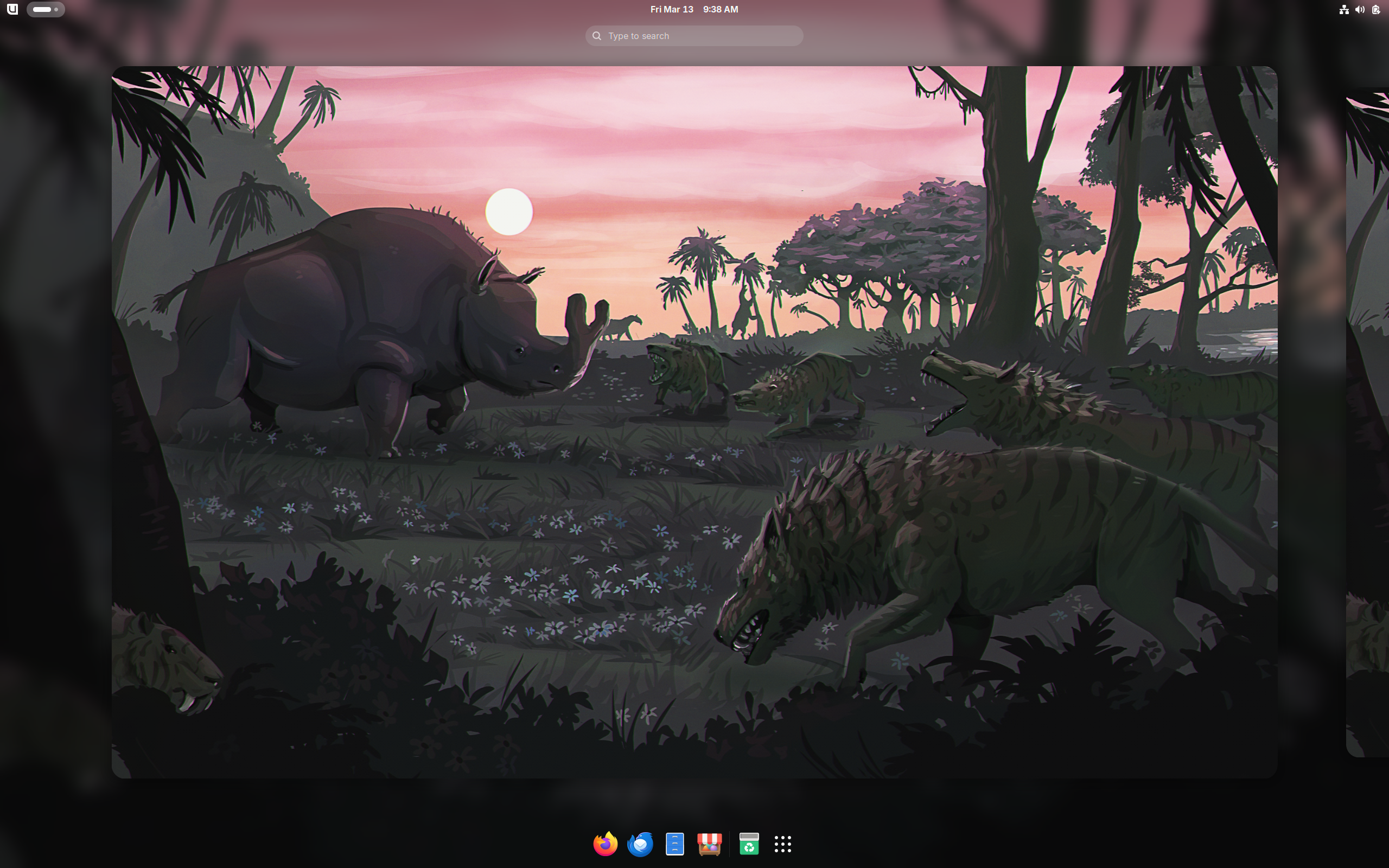
Bluefin – The next generation Linux workstation, designed for reliability, performance, and sustainability.
Bluefin is an operating system featuring the best of both worlds: The reliability and ease of use of a Chromebook and the power of a GNOME desktop.
For developers. Container focused workflows to get you started depending on where you’re coming from, or bring your own. Wield the industry’s leading tools at your fingertips.
Based on: Fedora
Desktop: GNOME
Category: Immutable, Atomic, Cutting edge, Beginner friendly
Origin: Global
Get Bluefin here: https://projectbluefin.io/
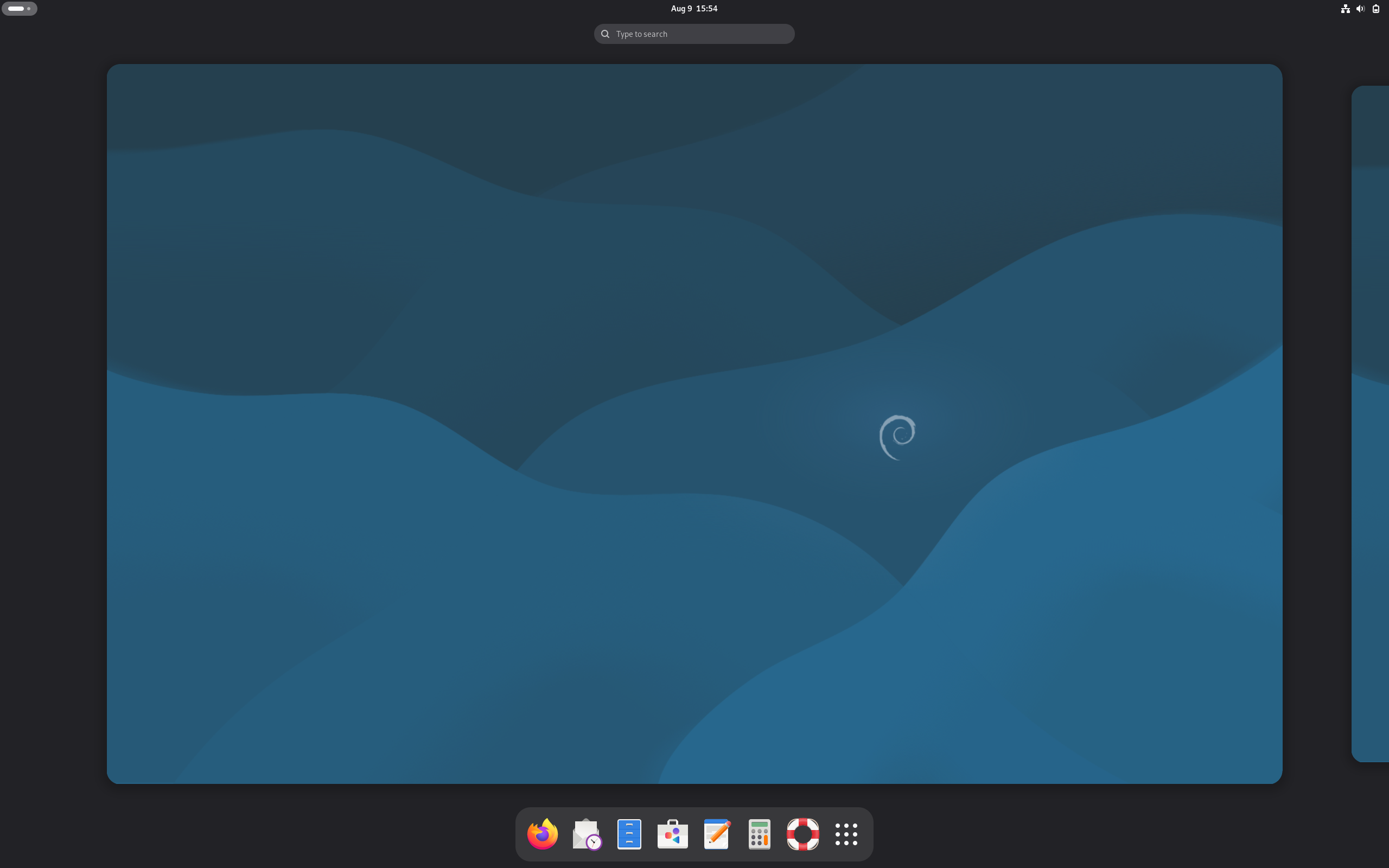

Debian – The Universal Operating System
Debian is a free and open-source Linux-based operating system developed by a global community of volunteers. Founded in 1993 by Ian Murdock, it is known for its stability and large software repository, and it serves as the basis for many other popular Linux distributions.
Based on: Debian
Desktop: AfterStep, Awesome, Blackbox, bspwm, Budgie, Cinnamon, dwm, Enlightenment, Fluxbox, flwm, FVWM, i3, GNOME, IceWM, JWM, KDE Plasma, labwc, Lomiri, LXDE, LXQt, MATE, Metacity, Openbox, pekwm, Qtile, Ratpoison, Sway, TWM, UKUI, Wayfire, WMaker, Xfce
Category: Stable (LTS)
Origin: Global
Get Debian here: https://www.debian.org/
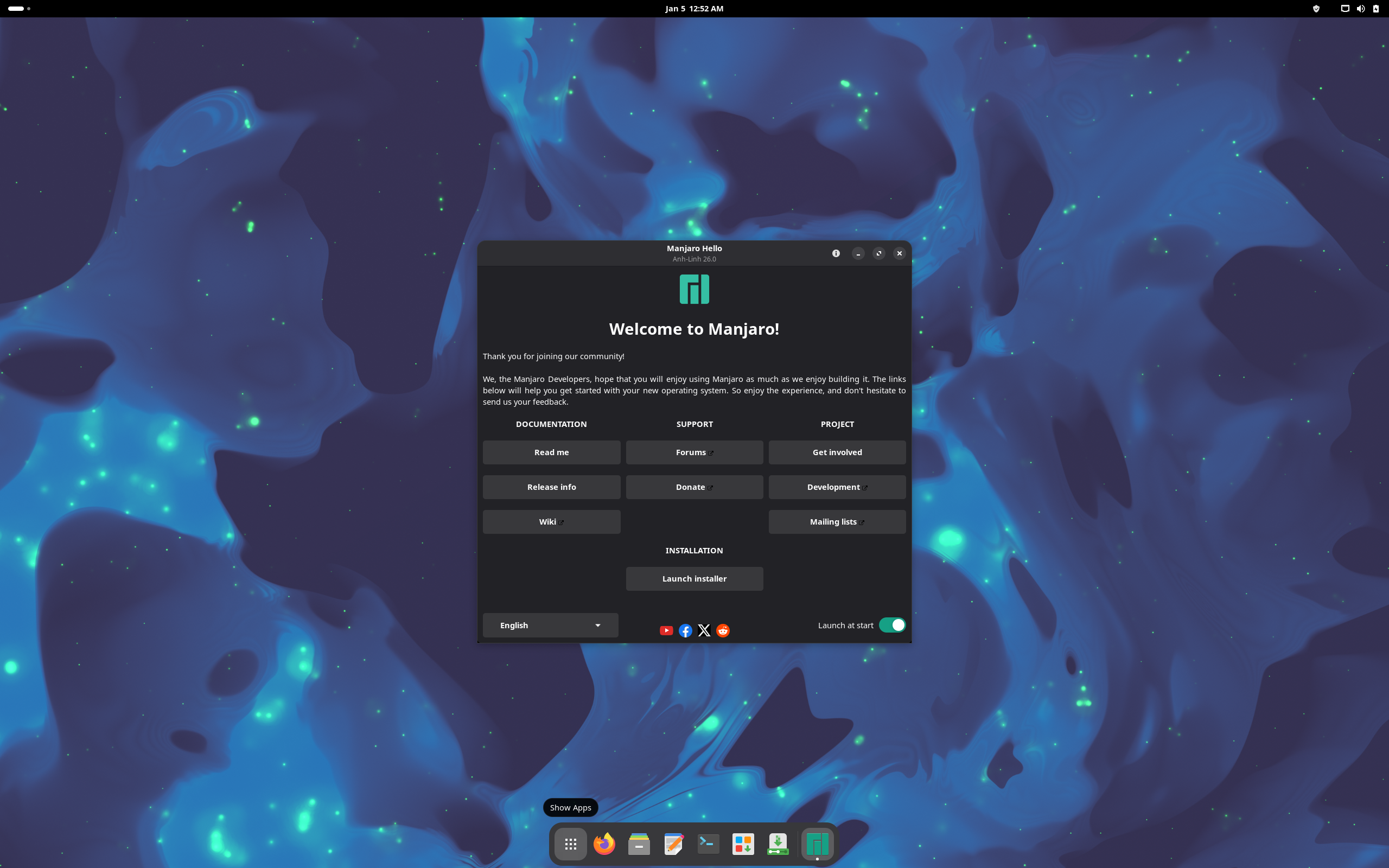

Manjaro – Empowering People and Organizations
Manjaro is a user-friendly, free, and open-source Linux distribution based on Arch Linux, focusing on accessibility for both beginners and experienced users.
Manjaro includes pre-installed desktop environments, graphical software managers, and automatic hardware detection, which aims to make it easier to use “out of the box” compared to its more technical upstream source, Arch Linux.
Based on: Arch
Desktop: Cinnamon, GNOME, i3, KDE Plasma, labwc, MATE, Sway, Xfce
Category: Cutting edge, will become immutable sometime in 2026. Beginner friendly
Origin: Austria, France, Germany
Get Manjaro here: https://manjaro.org/
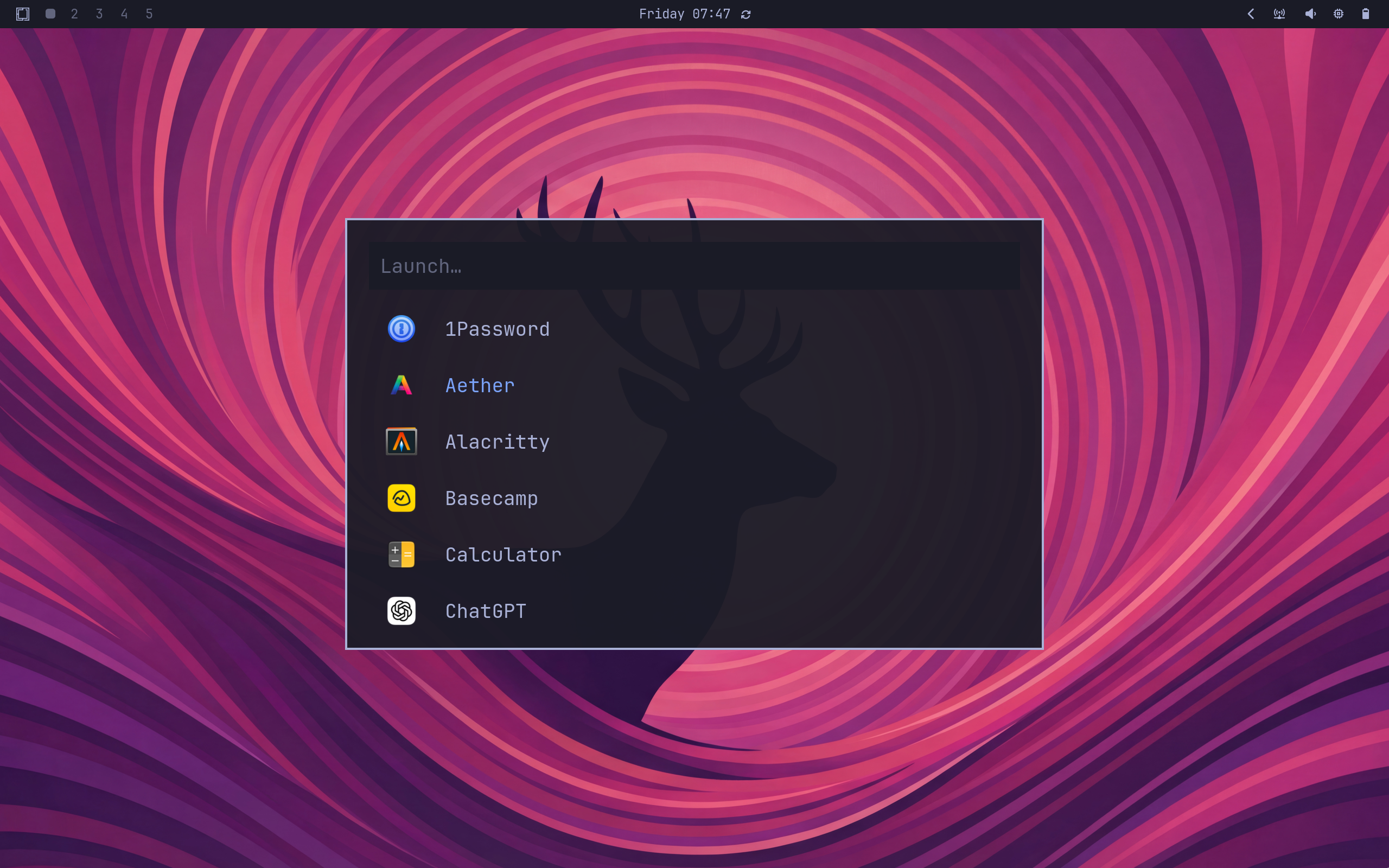

Omarchy – Beautiful, Modern & Opinionated Linux
Omarchy is a pre-configured Arch Linux distribution with the Hyperland tiling window manager, designed for immediate productivity, especially for developers. It comes with a set of opinionated settings, themes, and pre-installed software like Neovim, Spotify, and LibreOffice, aiming to provide a polished and aesthetically pleasing system out of the box, unlike a standard Arch installation that requires manual setup.
Based on: Arch
Desktop: Hyprland
Category: Bleeding edge
Origin: Denmark
Get Omarchy here: https://omarchy.org/
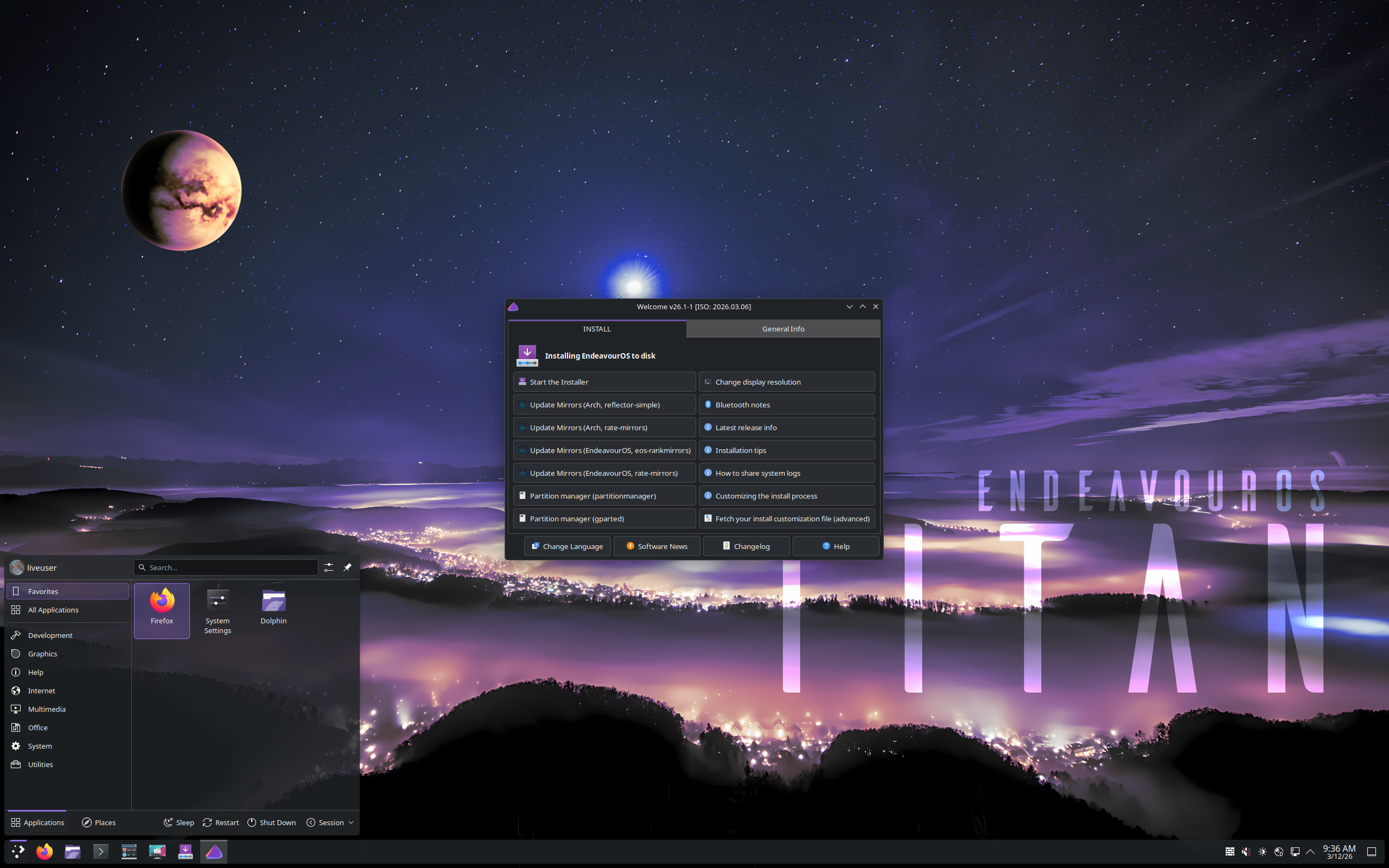

EndeavourOS – Start your Endeavour with a lightweight Arch-based, terminal centric system ready to personalise and a stellar community at your side.
A distro that is lightweight and ships with a minimum amount of preinstalled apps. An almost blank canvas ready to personalize.
Based on: Arch
Desktop: Budgie, Cinnamon, GNOME, i3, KDE Plasma, LXQt, MATE, Xfce
Category: Cutting edge
Origin: Netherlands
Get EndeavourOS here: https://endeavouros.com/
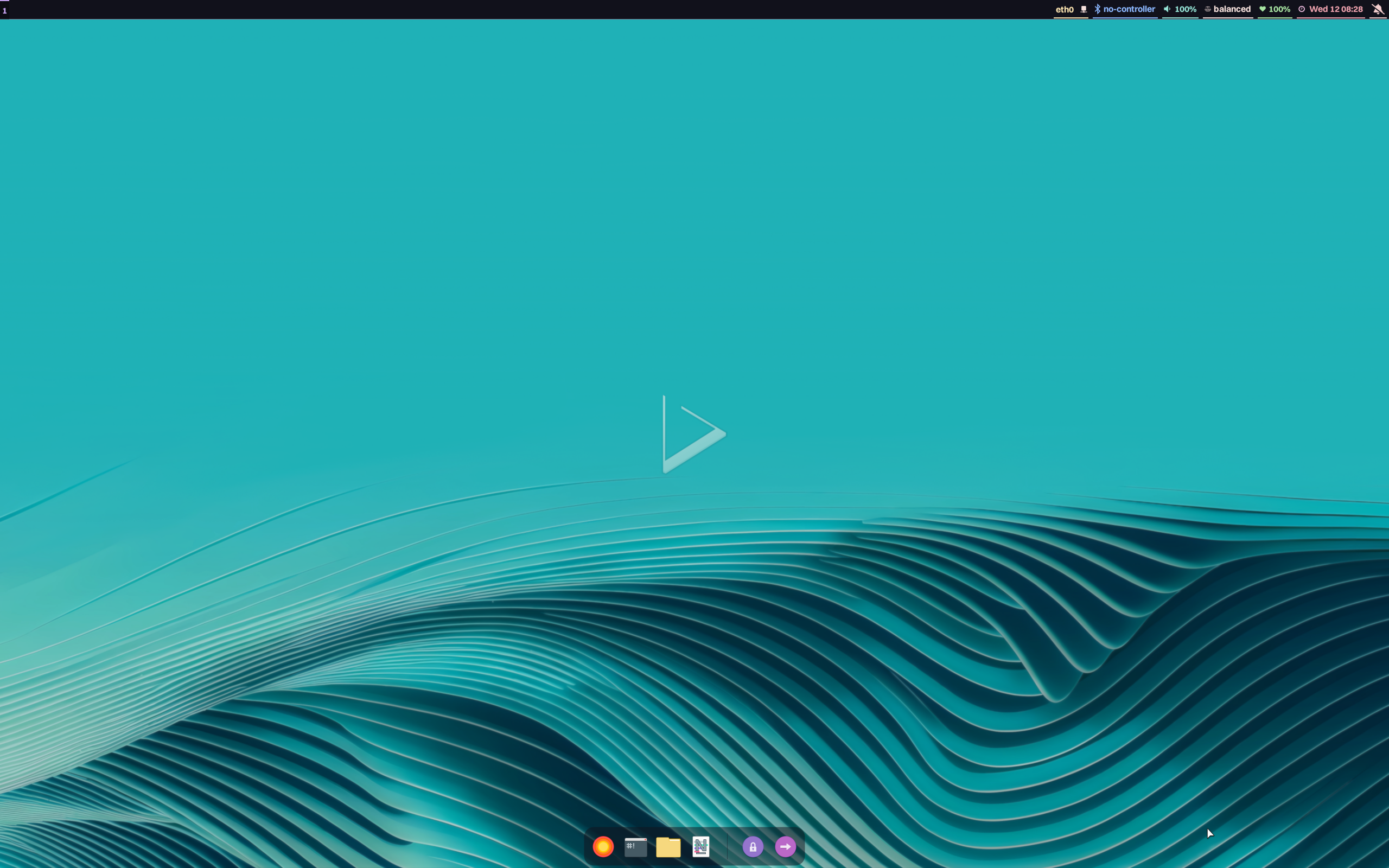

Nitrux – Unconventional. Idempotent. Disruptive by design.
Nitrux Linux has become one of the most exciting distributions in the Linux ecosystem, seamlessly fusing aesthetics, functionality, and technology within a single experience. Built on Debian and powered by KDE Plasma, Nitrux Linux delivers a desktop that is futuristic, intuitive, speedy, and contemporary. Whether you are a developer, designer, or user, you will experience something entirely different from traditional distributions.
Based on: Debian
Desktop: Hyprland
Category: Immutable, Atomic, Cutting edge
Origin: Mexico
Get Nitrux here: https://nxos.org/
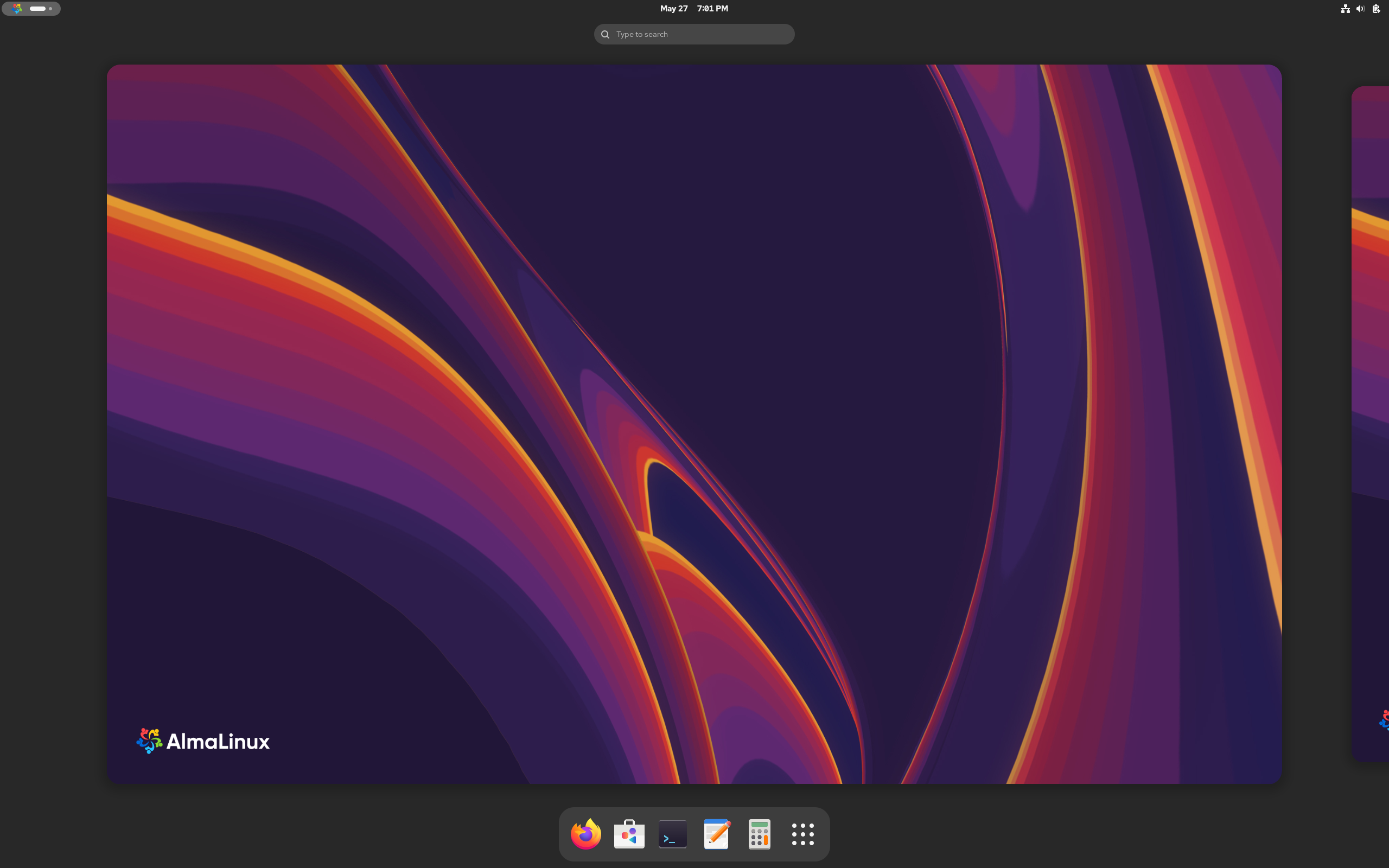

AlmaLinux – Free Linux OS for the community, by the community.
AlmaLinux OS is an open-source, community-driven Linux operating system that fills the gap left by the discontinuation of the CentOS Linux stable release. AlmaLinux OS is an Enterprise Linux distro, binary compatible with RHEL®, and guided and built by the community.
Based on: Fedora, Red Hat
Desktop: GNOME, KDE Plasma, MATE, Xfce
Category: Stable
Origin: USA
Get AlmaLinux here: https://almalinux.org/
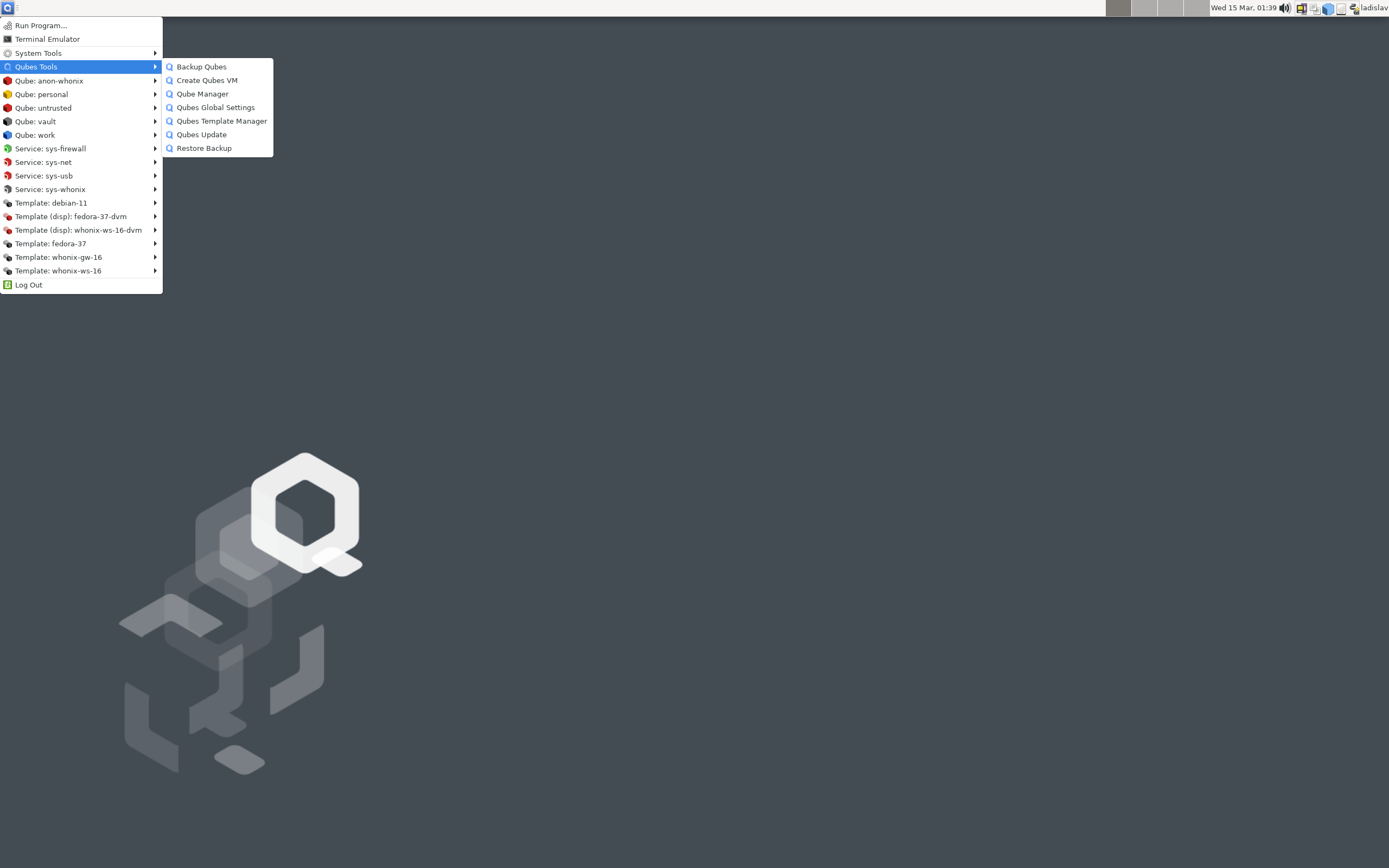

Qubes OS – A reasonably secure operating system
Qubes OS is a security-focused desktop operating system that uses virtualization to compartmentalize tasks into isolated virtual machines called “qubes”. This design isolates different activities, such as banking, work, and personal browsing, so that a compromise in one qube will not affect others. Key features include the use of the Xen hypervisor and a unified desktop environment with color-coded window borders to easily identify qubes of different security levels.
Based on: Debian, Fedora
Desktop: Xfce
Category: Immutable, Atomic
Origin: Poland
Get Qubes OS here: https://www.qubes-os.org/
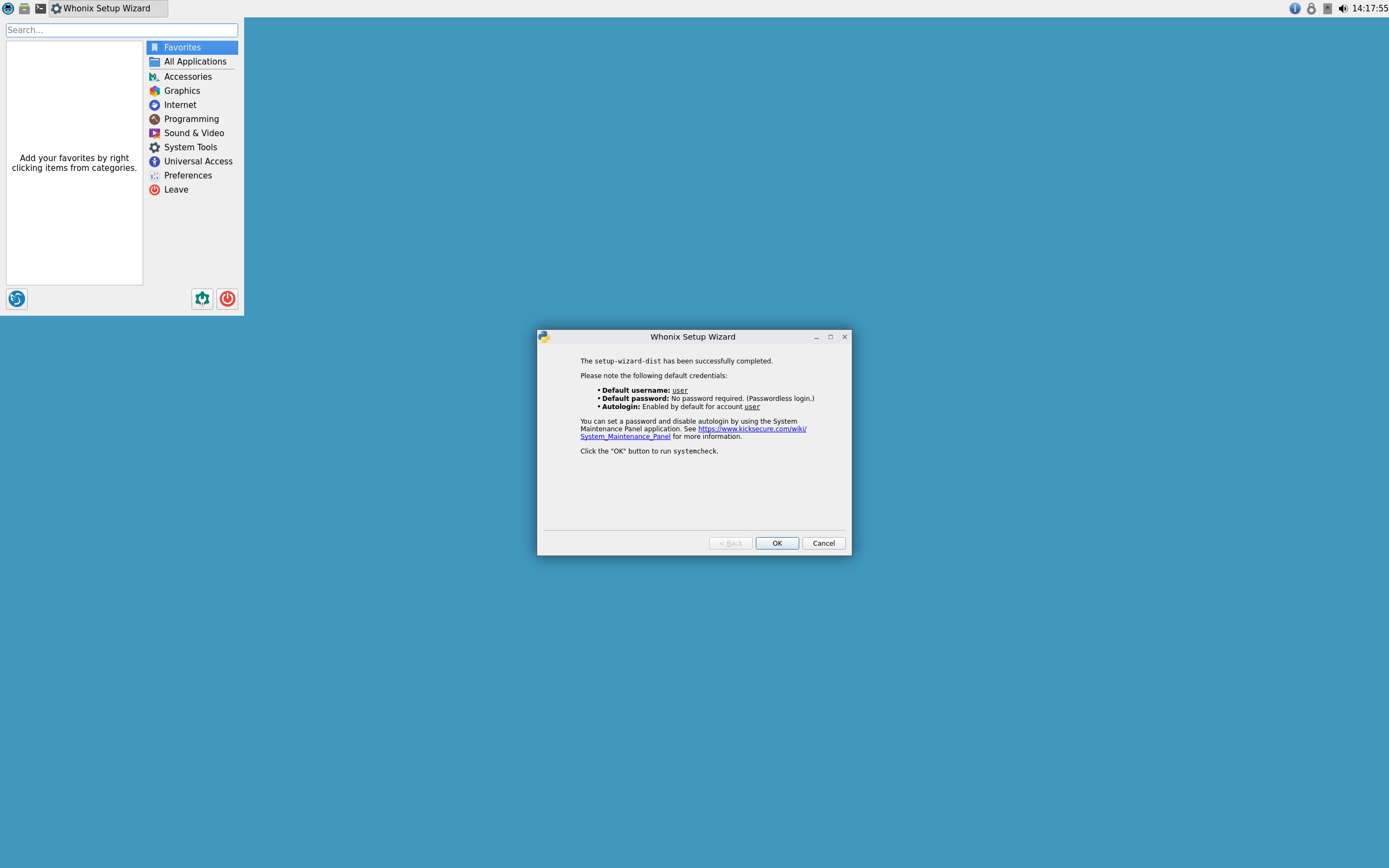

Whonix – As handy as an app – delivering maximum anonymity and security.
Whonix is a privacy-focused Linux distribution based on Debian that forces all internet traffic through the Tor network to provide strong anonymity. It is composed of two virtual machines, a “Gateway” that routes traffic through Tor and a “Workstation” where you run applications, ensuring that the user’s IP address is hidden even if the workstation is compromised. This setup is designed to prevent IP leaks and protect against various threats to anonymity.
Based on: Debian (stable)
Desktop: labwc, LXQt, Sway
Category: Stable (LTS)
Origin: Canada
Get Whonix here: https://www.whonix.org/
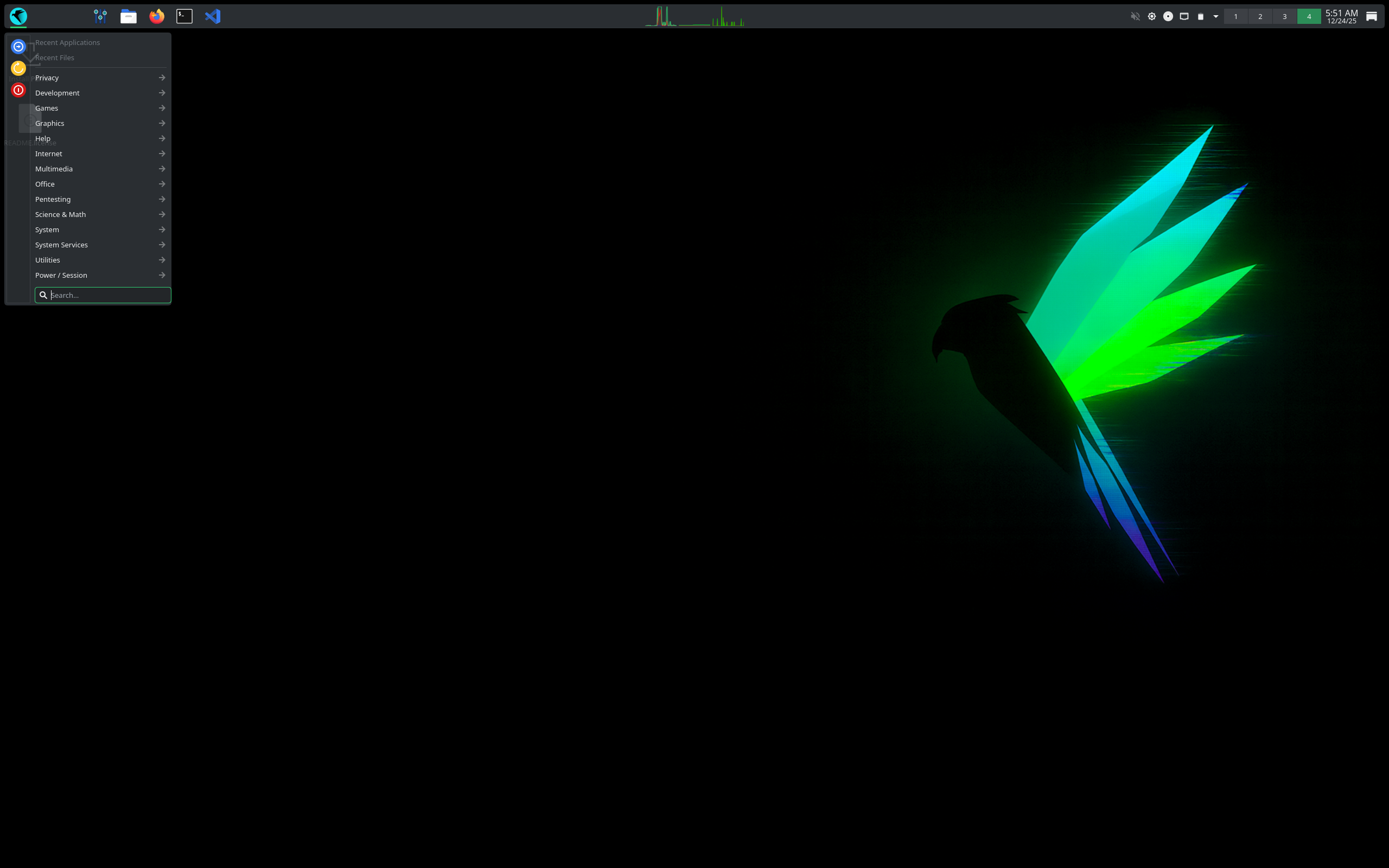

Parrot OS – The ultimate framework for your Cyber Security operations
Parrot OS is a Debian-based Linux distribution built for security, penetration testing, and digital forensics, but also offers a Home Edition for general users. It comes with a wide array of pre-installed security tools and features like AnonSurf for privacy and anonymization, and is known for being lightweight and privacy-focused.
Based on: Debian (stable)
Desktop: Enlightenment, KDE Plasma, LXQt, MATE
Category: Stable (LTS)
Origin: Italy
Get Parrot OS here: https://parrotsec.org/
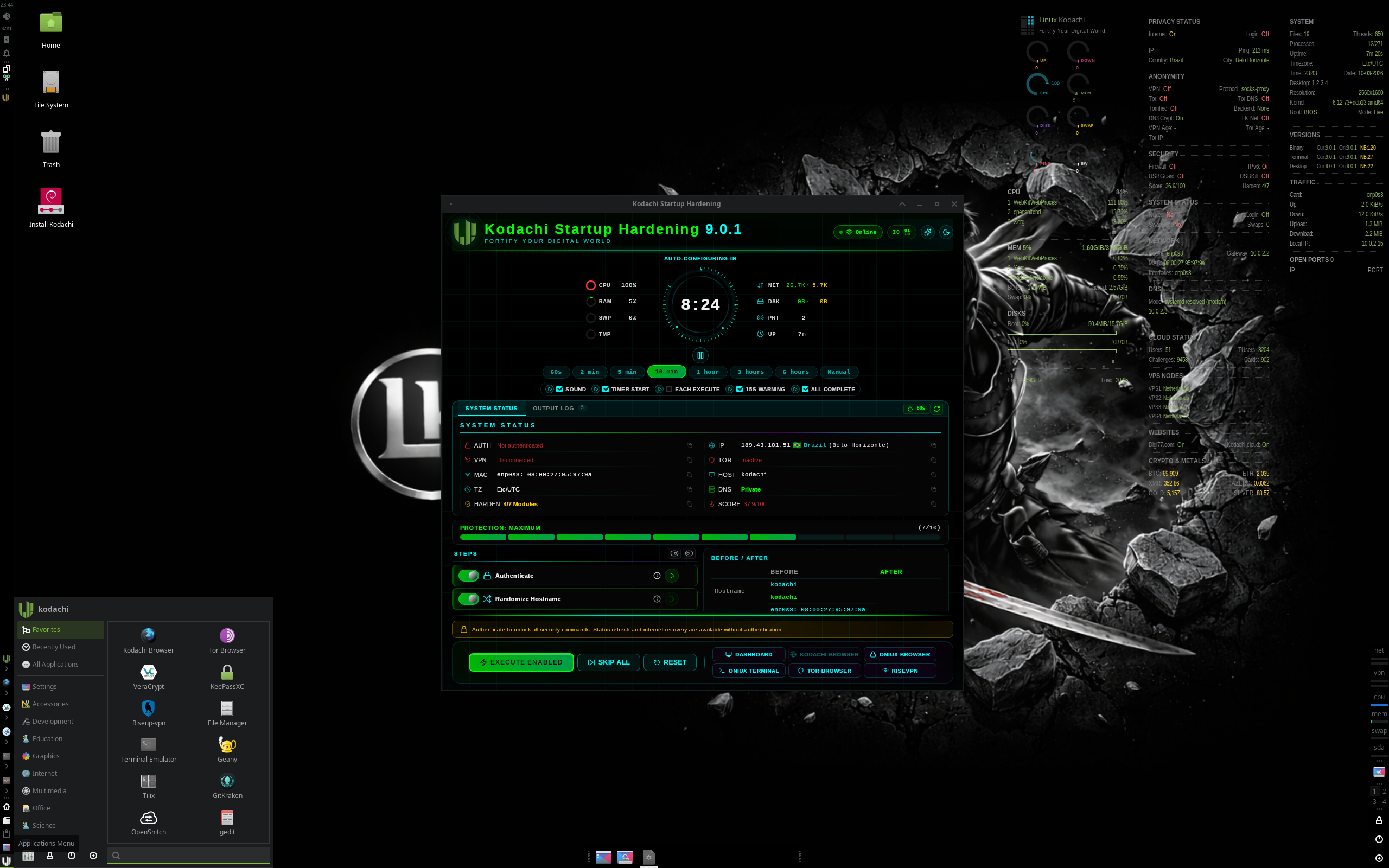

Kodachi OS – Innovate, Secure, Repeat
Kodachi OS is a security-focused Ubuntu-based operating system designed for anonymity and privacy. It runs as a “live” OS from a USB drive or DVD, leaving no trace on the host computer unless you choose to install it. Key features include routing all internet traffic through a VPN and the Tor network, a “Nuke” function for self-destruction, built-in cryptographic tools, and various privacy-oriented browsers and applications.
Based on: Debian (stable)
Desktop: Xfce
Category: Stable (LTS)
Origin: Oman
Get Kodachi here: https://www.kodachi.cloud/wiki/bina/index.html
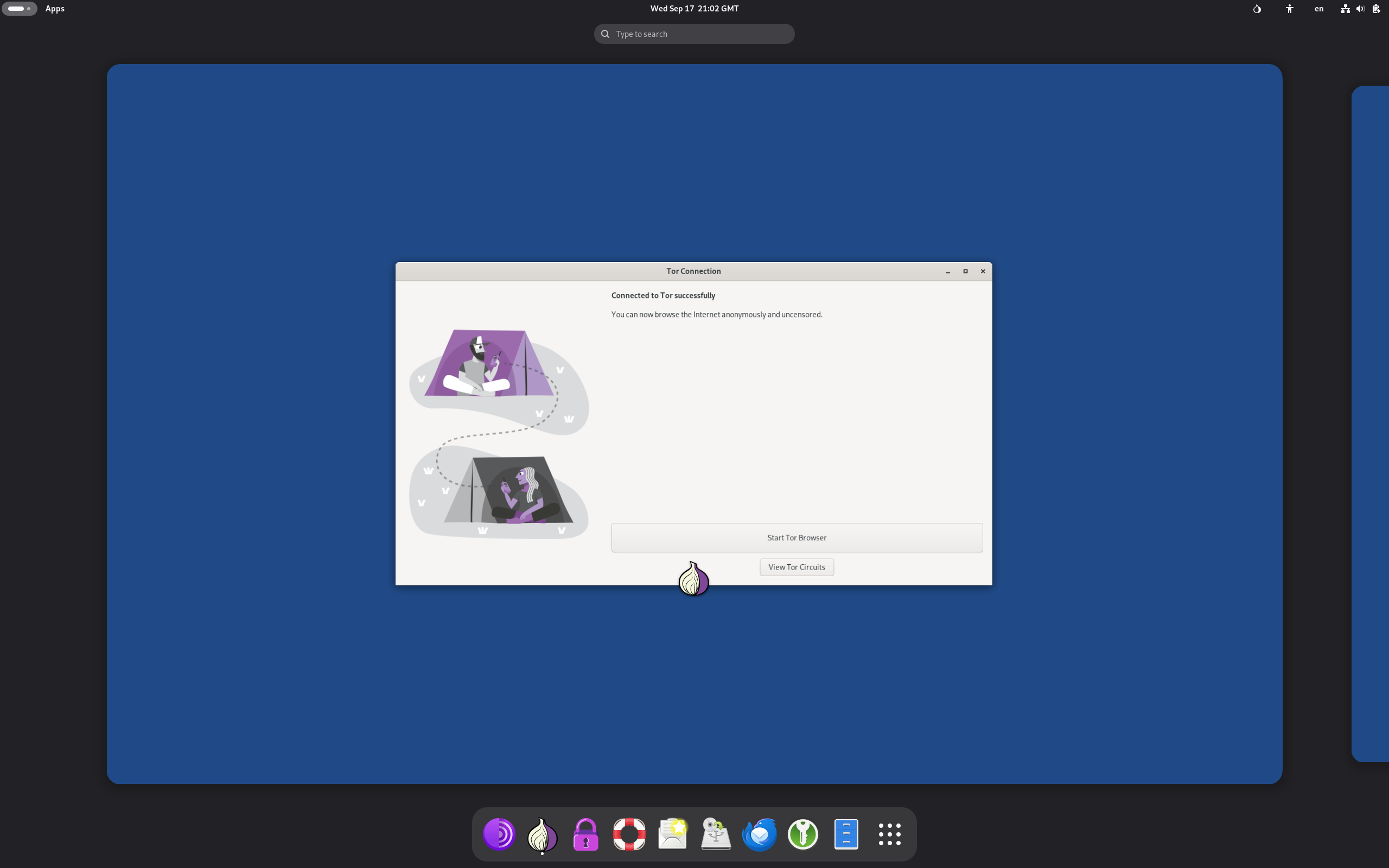

Tails – Free the internet
Tails (The Amnesic Incognito Live System) is
a security-focused, Debian-based Linux distribution that runs from a live USB drive and automatically routes all internet traffic through the Tor network. It is designed to be “amnesic,” meaning it leaves no digital footprint on the computer’s hard drive by default, making it ideal for preserving privacy and anonymity. Users can optionally set up an encrypted persistent storage on the USB stick to save files between sessions.
Based on: Debian (stable)
Desktop: GNOME
Category: Stable (LTS)
Origin: Ireland
Get Tails here: https://tails.net/
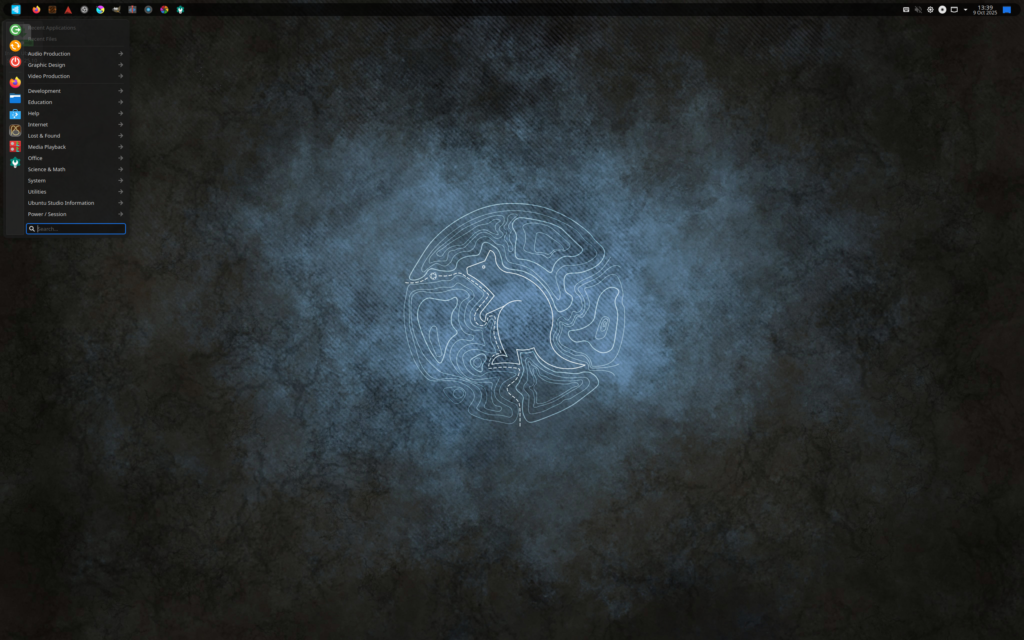

Ubuntu Studio – A Content Creation Studio on Your Computer. …and it’s free!
Ubuntu Studio is an operating system for creative individuals in the areas of audio production, video production, graphics design, photography, and desktop publishing.
Based on: Debian, Ubuntu
Desktop: KDE Plasma
Category: Stable (LTS), Beginner friendly
Origin: USA
Get Ubuntu Studio here: https://ubuntustudio.org/
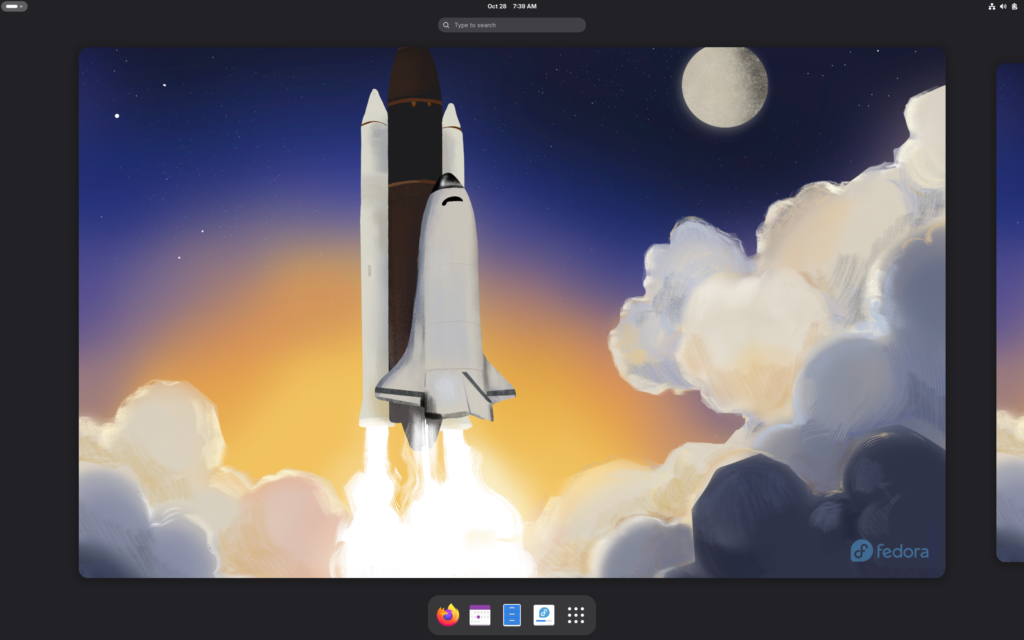
Fedora Design Suite – Looking for a ready-to-go desktop environment brimming with free and open source multimedia production and publishing tools? Try the Design Suite, a Fedora Spin created by designers, for designers.
The Design Suite includes the favorite tools of the Fedora Design Team. These are the same programs they use to create all the artwork that you see within the Fedora Project, from desktop backgrounds to CD sleeves, web page designs, application interfaces, flyers, posters and more. From document publication to vector and bitmap editing or 3D modeling to photo management, the Design Suite has an application for you — and you can install thousands more from the Fedora universe of packages.
Based on: Fedora
Desktop: Awesome, Budgie, Cinnamon, Enlightenment, i3, GNOME, KDE Plasma, labwc, LXDE, LXQt, MATE, Openbox, Ratpoison, Wayfire, Xfce
Category: Cutting edge, Beginner friendly
Origin: USA
Get Fedora Design Suite here: https://fedoraproject.org/labs/design-suite
Fedora KDE Plasma Desktop – The Next Generation Personal Desktop
For Creators. For Scientists. For Developers. For Gamers. Features for Everyone.
A customizable high-quality desktop, built on the latest open source technology. Trusted, powerful and easy.
Based on: Fedora
Desktop: Awesome, Budgie, Cinnamon, Enlightenment, i3, GNOME, KDE Plasma, labwc, LXDE, LXQt, MATE, Openbox, Ratpoison, Wayfire, Xfce
Category: Cutting edge, Beginner friendly
Origin: USA
Get Fedora here: https://fedoraproject.org/kde/
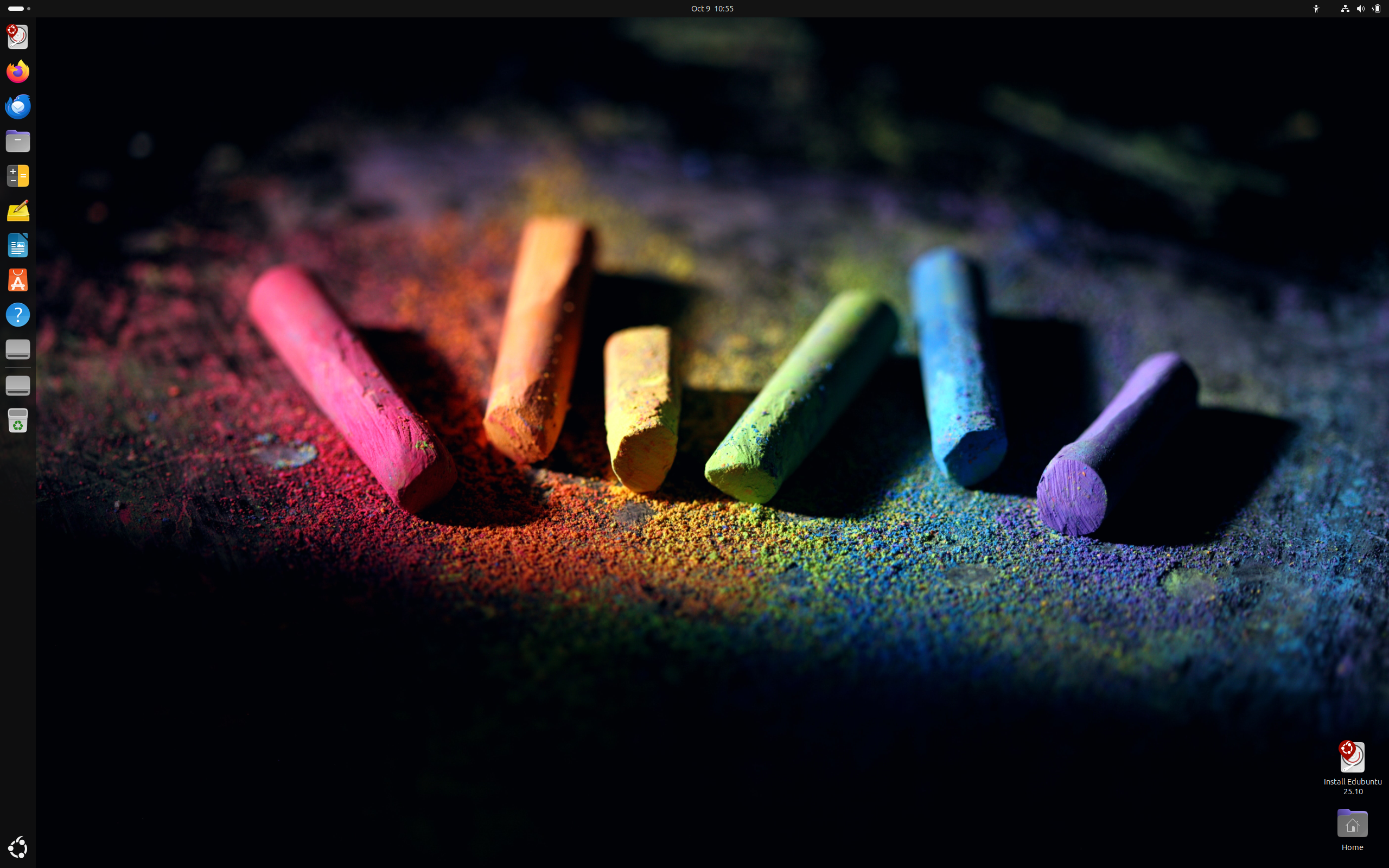
Edubuntu – Freedom for every classroom.
Edubuntu is an official Ubuntu-based operating system specifically designed for educational environments, like schools, and is also suitable for home use. It comes with a curated selection of pre-installed educational software for various age groups and is designed for easy setup and management, allowing teachers with limited technical knowledge to quickly establish a classroom or online learning environment.
Based on: Debian, Ubuntu
Desktop: GNOME
Category: Stable (LTS), Beginner friendly
Origin: Isle of Man
Get Edubuntu here: https://www.edubuntu.org/
Zorin OS Education – Learn smarter. Achieve more.
Bring lessons to life with the huge library of educational apps and games in Zorin OS Education. It includes software to help teach maths, science, geography, languages, music, and other subjects. Interactive apps let students of all ages grasp new concepts easier, and help make learning more exciting and engaging.
Based on: Debian, Ubuntu (LTS)
Desktop: GNOME, Xfce
Category: Stable (LTS), Beginner friendly
Origin: Ireland
Get Zorin OS Education here: https://zorin.com/os/education/
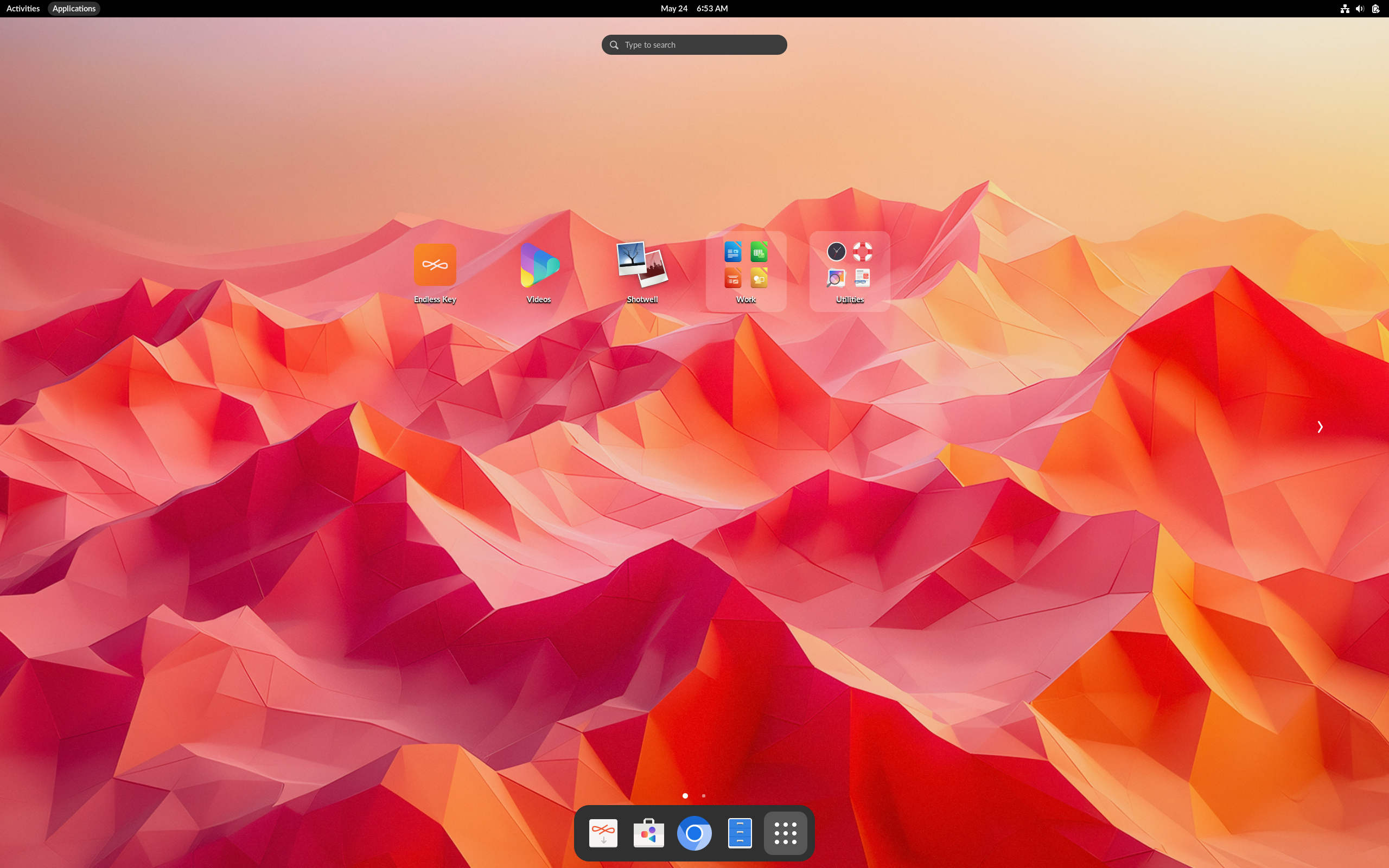
Endless OS – Built to close the digital divide.
Endless OS is a simple, secure, and powerful operating system that works offline, runs on low-cost hardware, and feels as intuitive as a phone. It’s built for emerging markets, safe for families everywhere, and designed to unlock opportunity through education, creativity, and digital skills.
Based on: Debian
Desktop: EOS Shell (GNOME)
Category: Immutable, Atomic, Beginner friendly
Origin: USA
Get Endless OS here: https://www.endlessglobal.com/foundation/access/operating-system
DebianEdu – The Universal Operating System
Debian Edu, also known as Skolelinux, is a free and open-source Linux distribution based on Debian, specifically designed for educational institutions like schools and universities. It provides a pre-configured school network environment out-of-the-box, including educational software packages and essential server services like user management, file storage, and web proxy. Its goals are to simplify the administration of computers in schools and provide an easy way to deploy a complete network with minimal technical knowledge
Based on: Debian
Desktop: Cinnamon, GNOME, KDE, LXDE, LXQt, MATE, Xfce
Category: Stable (LTS), Beginner friendly
Origin: Norway
Get DebianEdu here: https://wiki.debian.org/DebianEdu
Batocera.linux – Ready to Retro
Batocera.linux is an open-source and completely free retro-gaming distribution that can be copied to a USB stick or an SD card with the aim of turning any computer/nano computer into a gaming console during a game or permanently.
Based on: Batocera
Category: Stable (LTS)
Origin: France
Get Batocera.linux here: https://batocera.org/

Lakka – The DIY open source retrogaming emulation console
Lakka is a lightweight Linux distribution that transforms a small computer into a full blown retrogaming console.
Based on: LibreELEC
Category: Stable (LTS)
Origin: France
Get Lakka here: https://www.lakka.tv/
RetroPie – Retro gaming on your device.
RetroPie allows you to turn your Raspberry Pi, ODroid C1/C2, or PC into a retro-gaming machine. It builds upon Raspbian, EmulationStation, RetroArch and many other projects to enable you to play your favourite Arcade, home-console, and classic PC games with the minimum set-up.
Based on: Raspberry Pi OS
Category: Stable (LTS)
Get RetroPie here: https://retropie.org.uk/
Kazeta – Just Play
An operating system that brings the console gaming experience of the ’90s to modern PC hardware and games: insert cart, power on, play.
New kid on the block! And it has made a great entry with so many news outlets covering it.
Based on: frzr (developed by ChimeraOS)
Category: Immutable, Atomic
Get Kazeta here: https://kazeta.org/

Recalbox – The all-in-one retro gaming console!
Replay all the consoles, arcades, and computers of your childhood.
Based on: GNU/Linux system with Buildroot
Category: Stable (LTS)
Origin: Global
Get Recalbox here: https://www.recalbox.com/